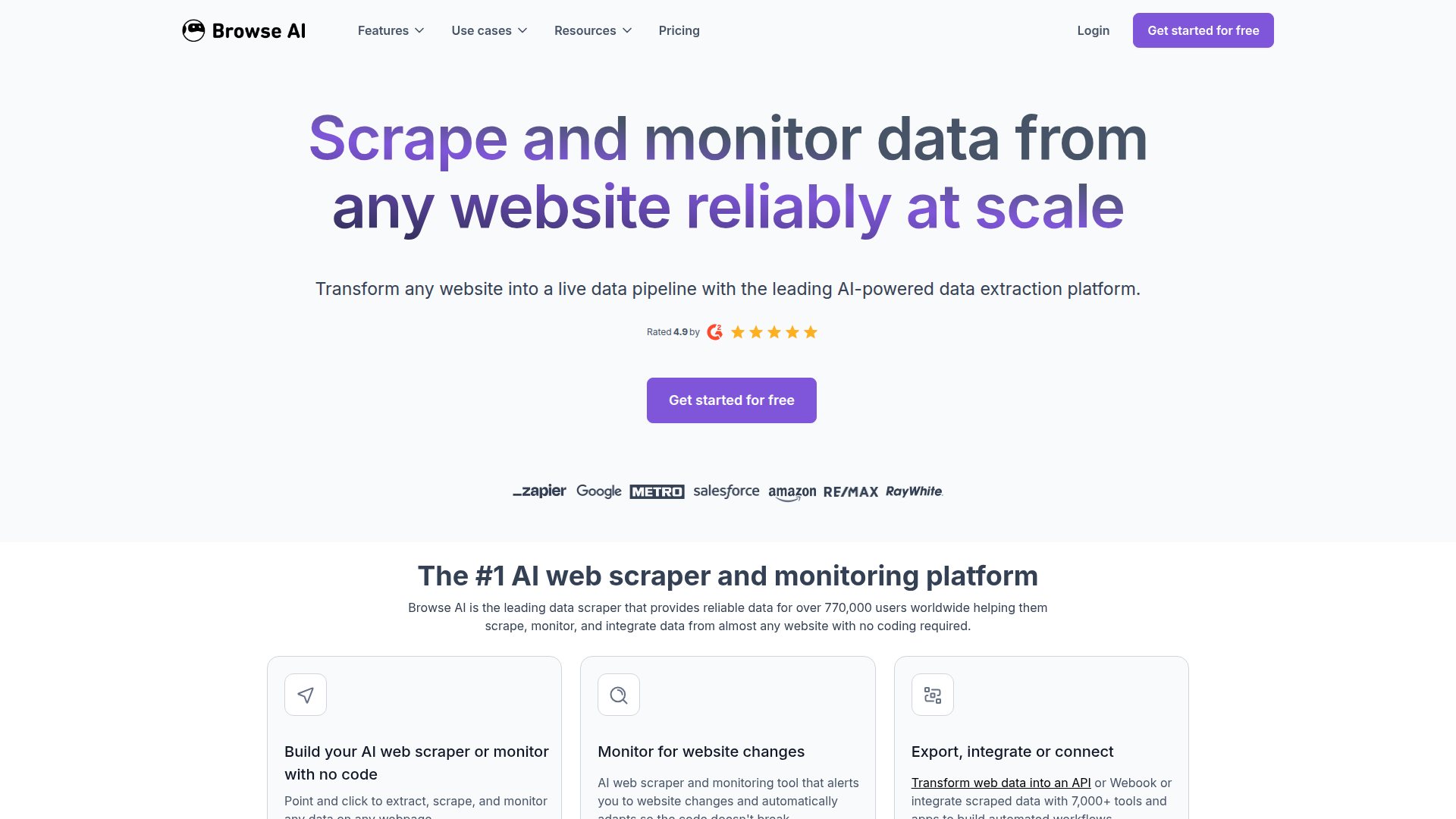
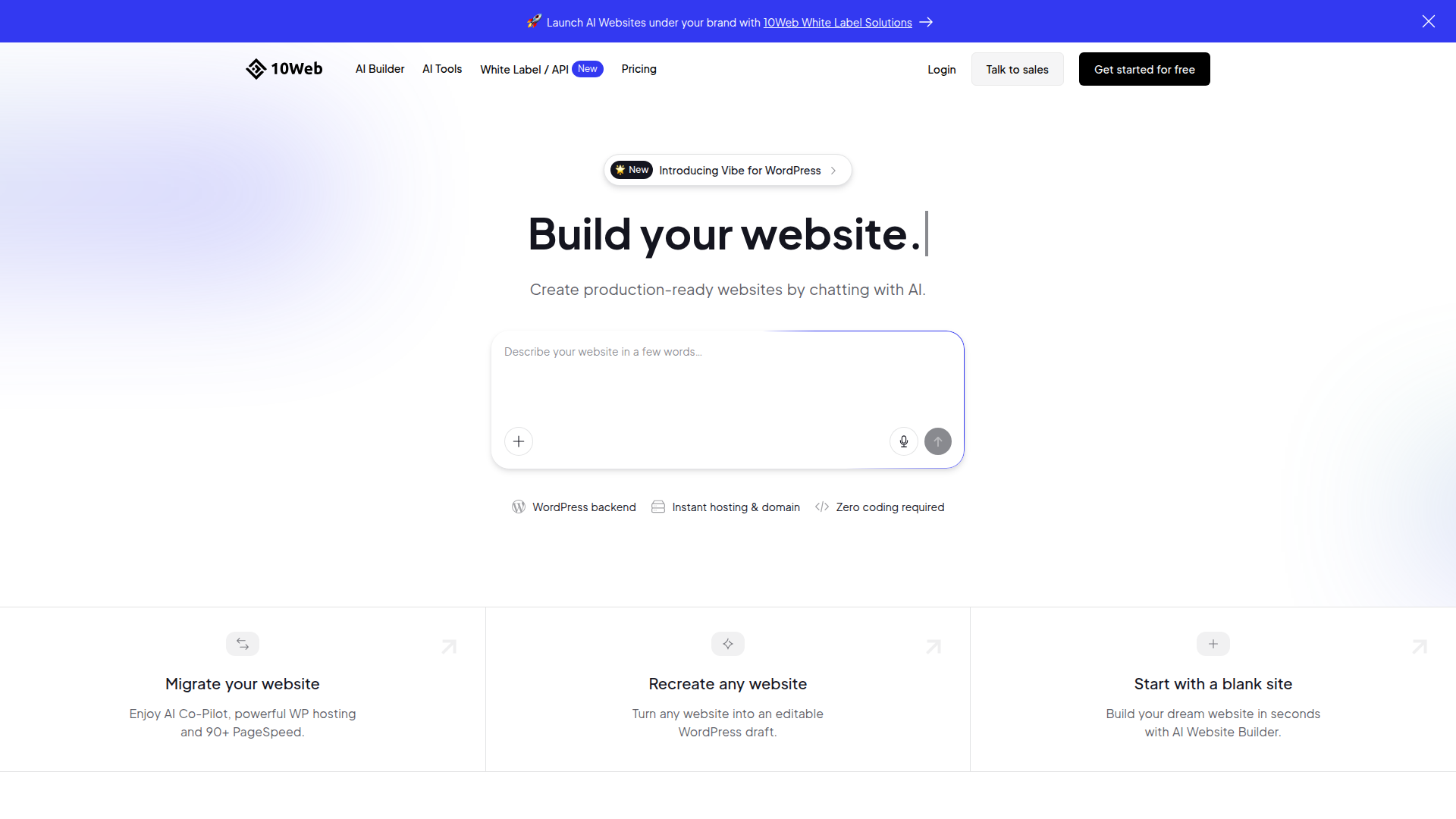
All 10 No Code Tools in 2026
Explore our curated collection of top-rated no code tools and platforms. Whether you're looking for innovative solutions, comparing features, or seeking the perfect tool to boost your productivity, find everything you need in our comprehensive no code directory.
What is No Code?
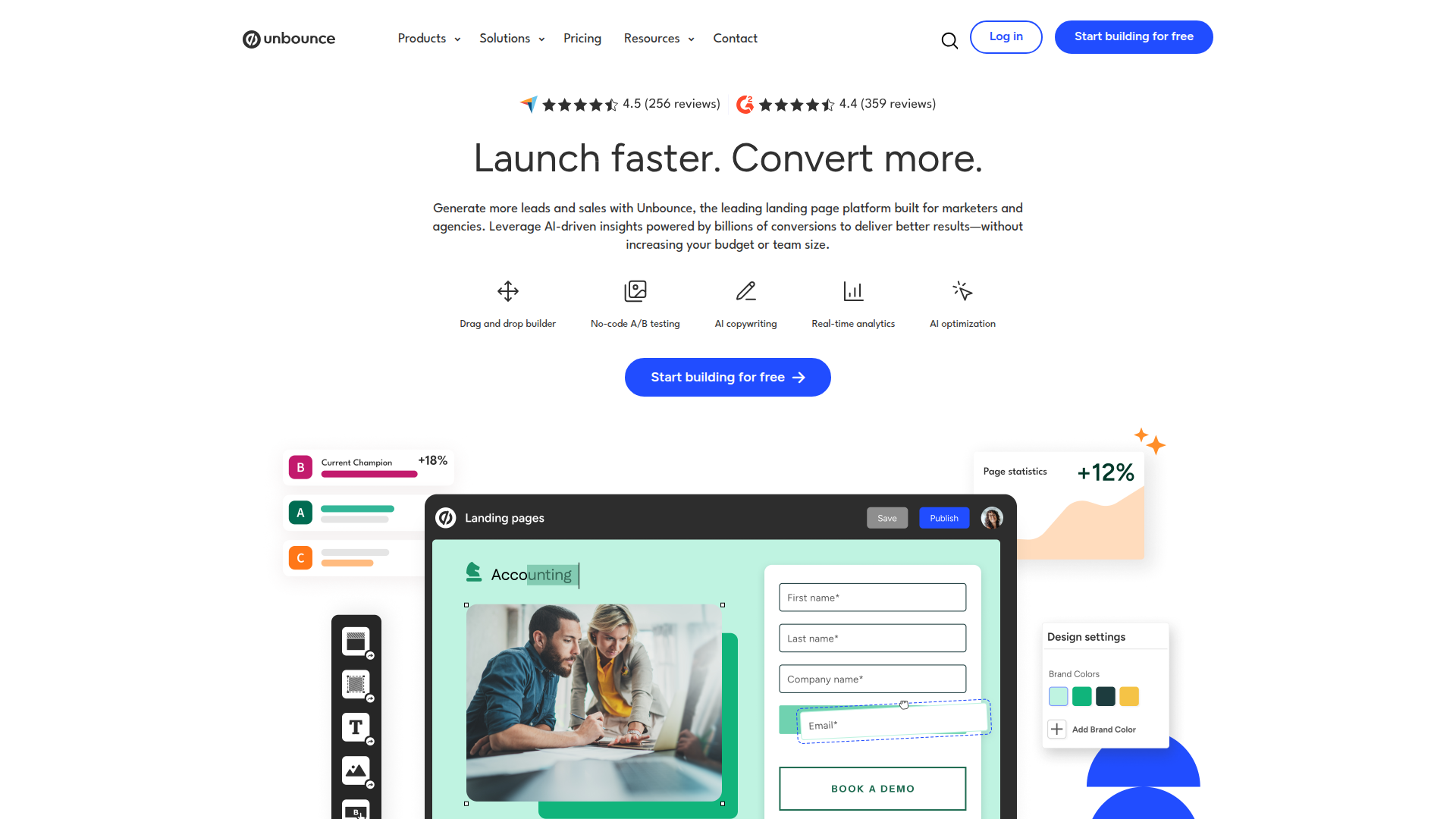
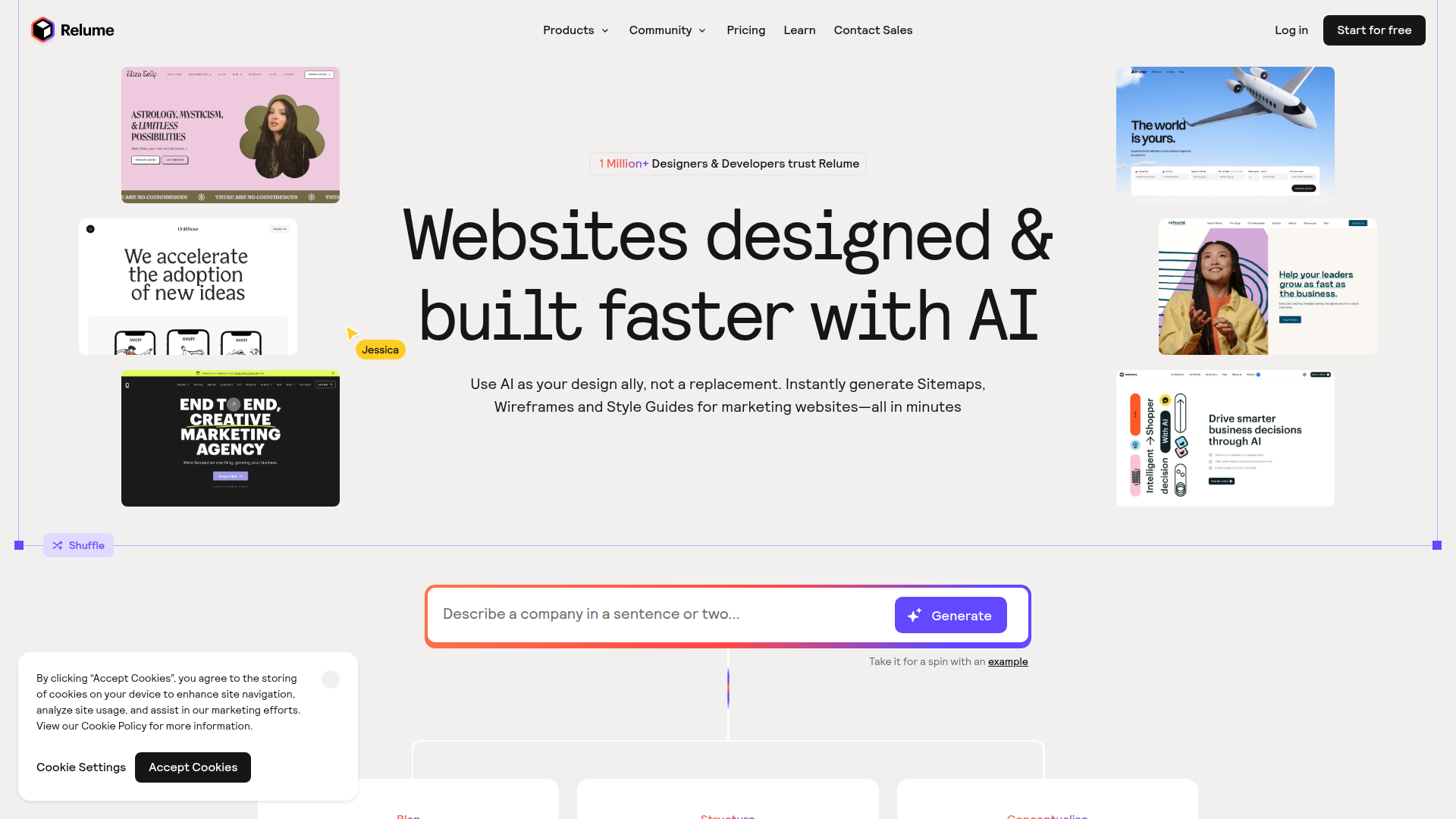
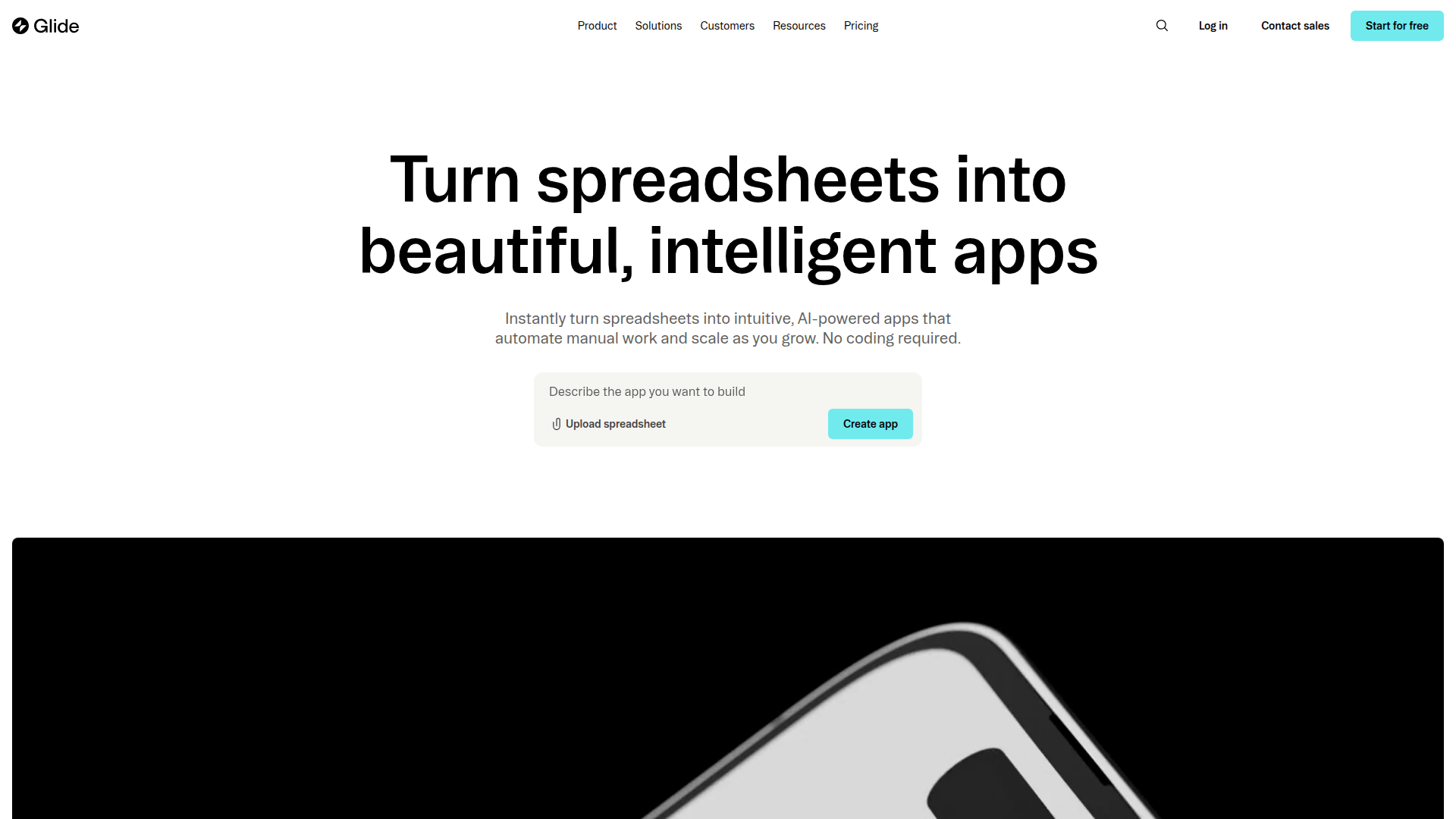
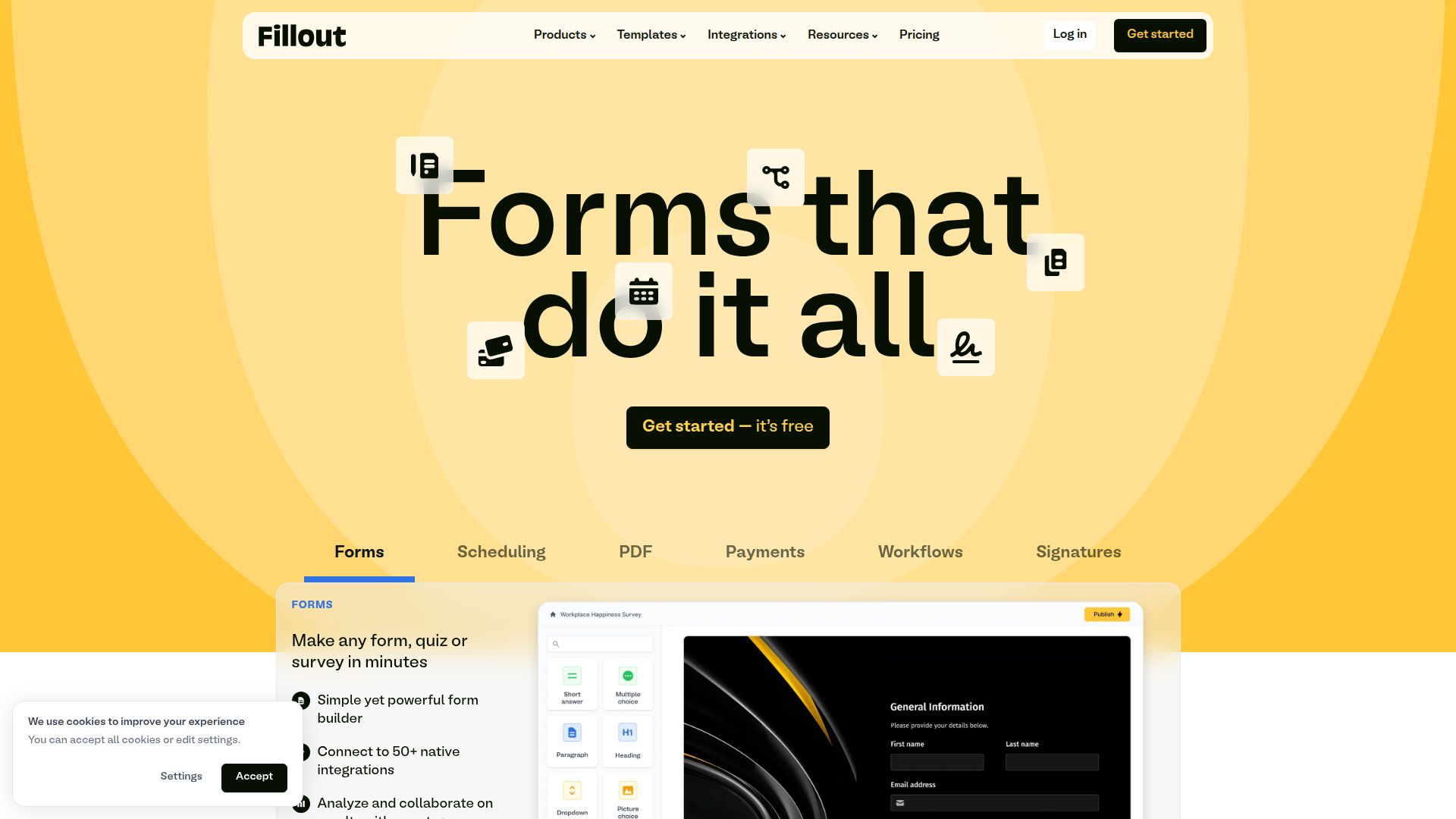
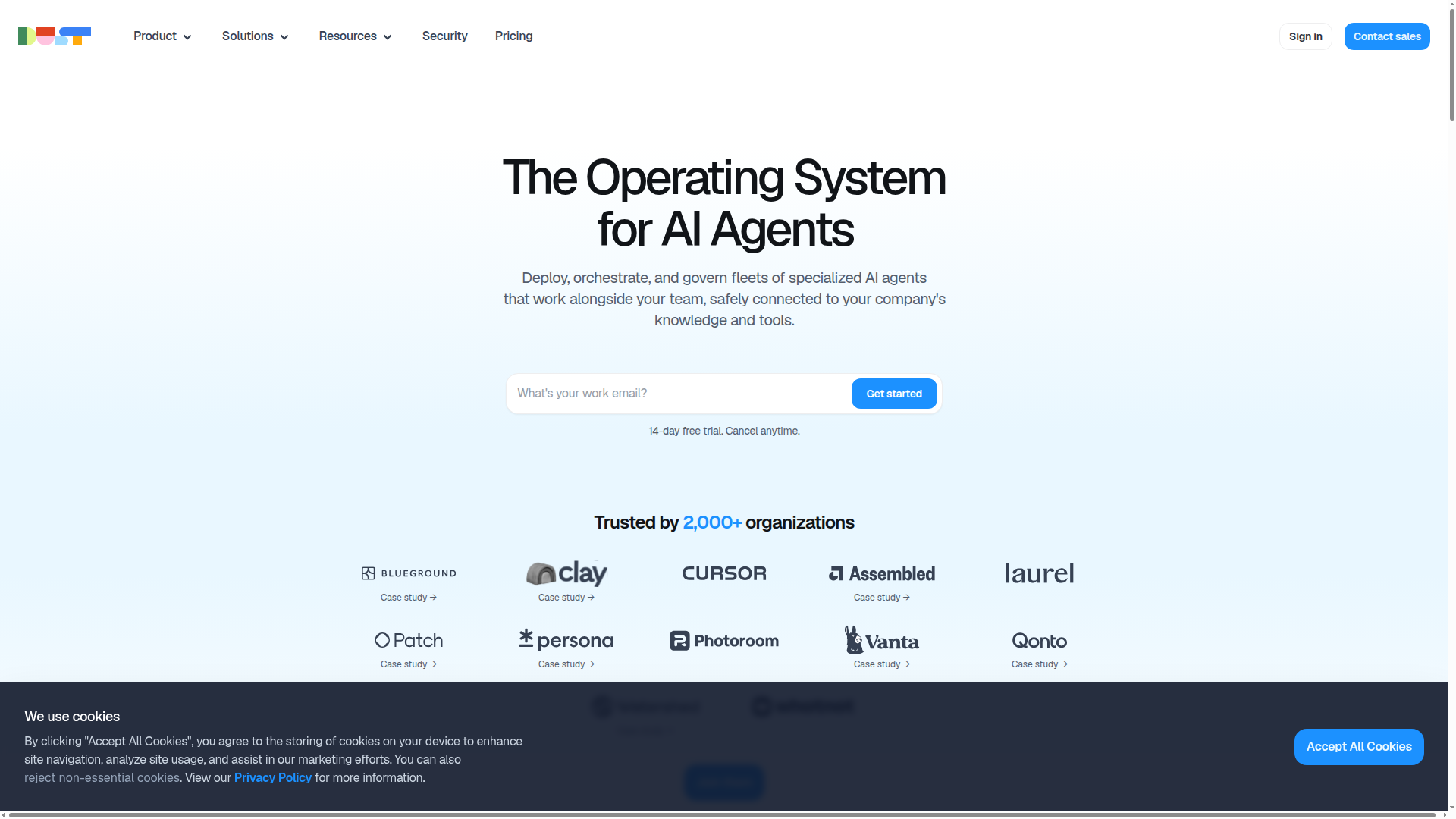
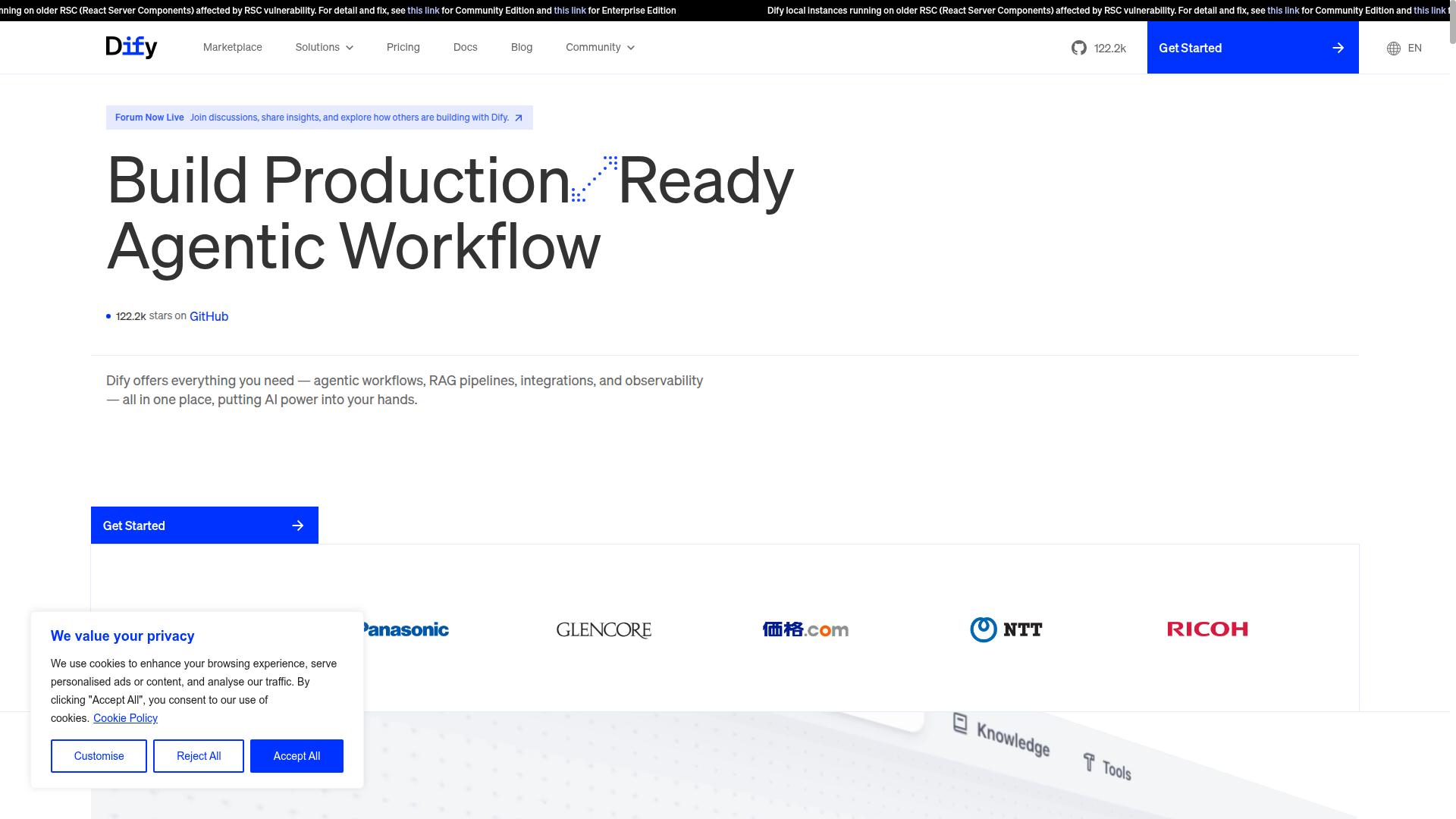
No Code tools empower non-programmers to build apps, websites, automation flows, and data applications without writing code. They provide visual builders, drag-and-drop components, templates, and prebuilt integrations, enabling rapid prototyping and production deployments. Use cases include internal tools, dashboards, landing pages, and workflows.
No Code Core Features
Visual drag-and-drop interface for building apps and sites
Extensive templates, components, and widgets to accelerate development
No-code workflow automation with conditional logic and triggers
Rich integrations and API/connectors to popular services
No-code data modeling and secure data storage for apps and dashboards
One-click deployment, hosting, and built-in security with role-based access
Who to use No Code?
- •Non-technical founders and startup teams
- •Product managers building internal tools and dashboards
- •Marketing operations professionals automating campaigns and data flows
- •Citizen developers in enterprises creating department apps
- •IT admins prototyping apps and automations with approved platforms
- •Educators and nonprofit teams building admin tools and enrollment systems
How does No Code work?
- Define the problem, data needs, and success metrics
- Select a no-code tool and start from a template or blank canvas
- Design the user interface and user flows with drag-and-drop components
- Connect data sources and services using built-in connectors or APIs
- Implement rules and logic to automate processes and decisions
- Test, publish, monitor, and refine with feedback and governance controls
Why use No Code?
- •Speeds up delivery and reduces reliance on developers
- •Lowers total cost of ownership and accelerates ROI
- •Democratizes app creation across teams and improves alignment
- •Enables rapid prototyping, testing, and iteration
- •Managed hosting, security, and compliance simplify maintenance
- •Easy integration with existing tools to automate workflows