Getimg AI logo

Getimg AI

Create stunning AI-generated images with collaboration, editing, and fast results.

Listed:Dec 19, 2025
Platform:
Web
iOS
Android
Share:
Getimg AI

Getimg AI Introduction

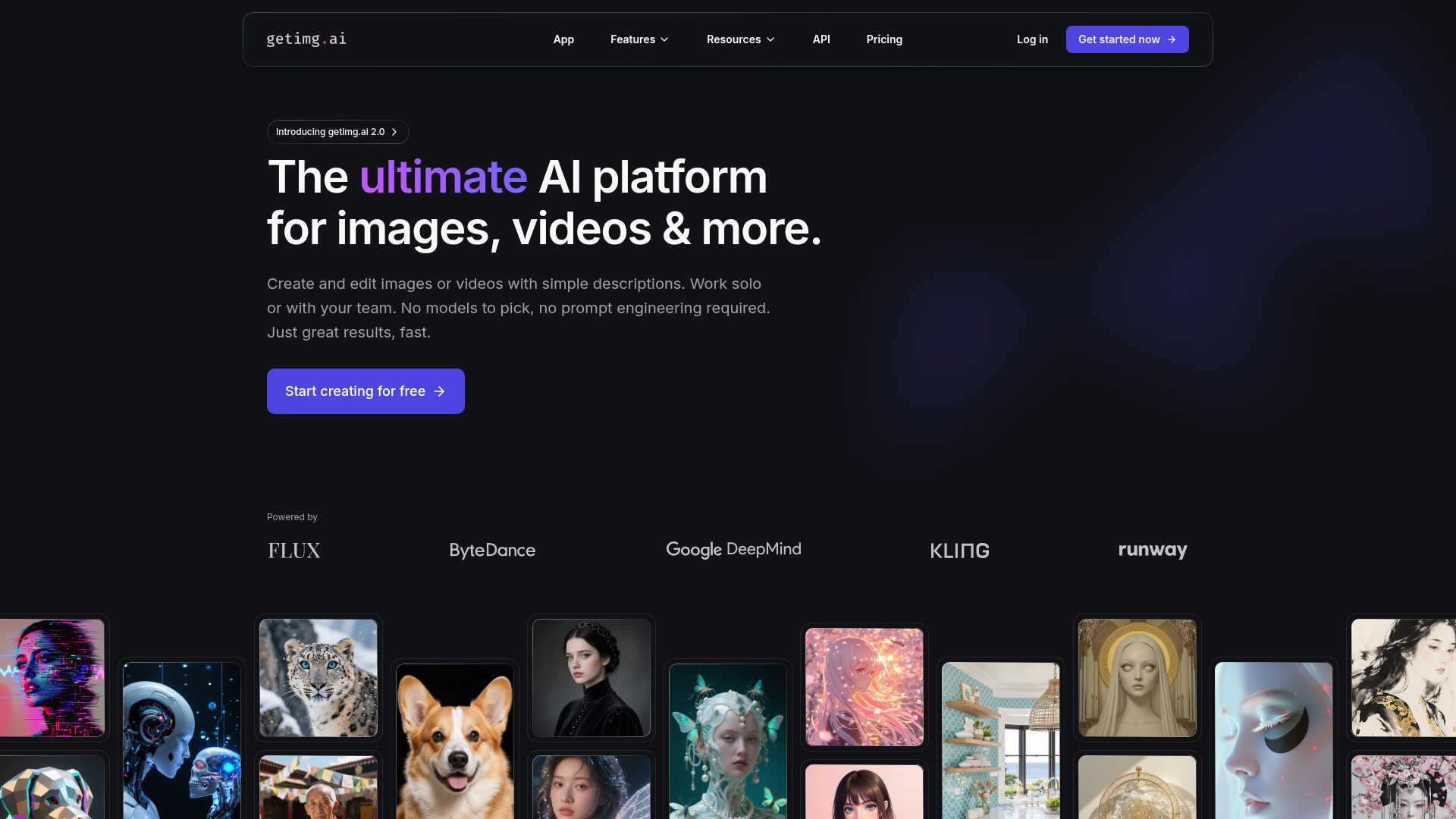
Getimg AI is a comprehensive AI image generation and editing platform that lets creators turn prompts into visuals. It combines powerful generation with a suite of editing tools to refine and enhance images.

Key benefits include:

  • Generate images from text prompts
  • Collaborative features for teams
  • Image upscaling and on-the-fly background removal
  • Photo restoration and colorization
  • Sketch to photo conversion
  • Style transfer and image resizing

Perfect for artists, designers, content creators, and marketing teams who want to generate and refine AI visuals quickly and collaboratively.


Summary

Getimg AI offers AI-powered image generation and editing with collaboration tools, background removal, upscaling, and restoration.

Key Features

  • Generate images from text prompts
  • Collaborative tools for teams
  • Image upscaling
  • On-the-fly background removal
  • Style transfer capabilities
  • Photo restoration and colorization
  • Sketch to photo conversion
  • Image resizing tools

Benefits

  • User-friendly, intuitive interface for quick results
  • Access to advanced AI image generation and editing features
  • Facilitates team collaboration across projects
  • Cost-effective pricing with premium features
  • Regular updates with new capabilities
  • Supports multiple output formats and resolutions

Use Cases

  • Creating visuals for marketing campaigns
  • Generating artwork for personal projects
  • Restoring and colorizing old photos
  • Team collaboration on design projects
  • Producing images for social media posts
  • Creating product mockups
  • Designing blog header images
  • Building video thumbnails
  • Generating banner ads
  • Exploring different art styles
  • Visual brainstorming for campaigns
  • Prototyping illustrations
  • Creating digital art for prints

How to Use Getimg AI

  1. Step 1: Sign up for a free account
  2. Step 2: Choose an image generation option
  3. Step 3: Enter your text prompt
  4. Step 4: Add optional editing features (background removal, upscaling, colorization)
  5. Step 5: Click Generate to create and refine your image

Who Will Use Getimg AI

  • Artists
  • Graphic Designers
  • Content Editors
  • Digital Marketers
  • Social Media Managers
  • Photographers
  • Creative Directors
  • Brand Managers

Alternative tools

HIX AI

Free AI chat, image, music & video tools in one freemium platform for creators.

GirlfriendGPT

Create your AI dream girl - design the perfect AI girlfriend for you

NanoBanana AI

Create stunning images with Google's AI model — fast, flexible, and easy.

Vanta

Automate compliance and trust management for modern teams.

Motion

The AI-powered SuperApp for Work – AI-driven project, task, calendar, and meeting management in one.

Toolsaday AI

Toolsaday AI: Automate tasks with AI to boost productivity and streamline your workflows.

Roboflow

Computer vision tools for developers and enterprises

Revisely

AI-powered feedback and collaborative learning resources for educators and students.

QuillBot

AI-powered writing assistant for paraphrasing, grammar, and summarization—across web and browser extensions.

Phrasly

Write naturally, without fear of detection.