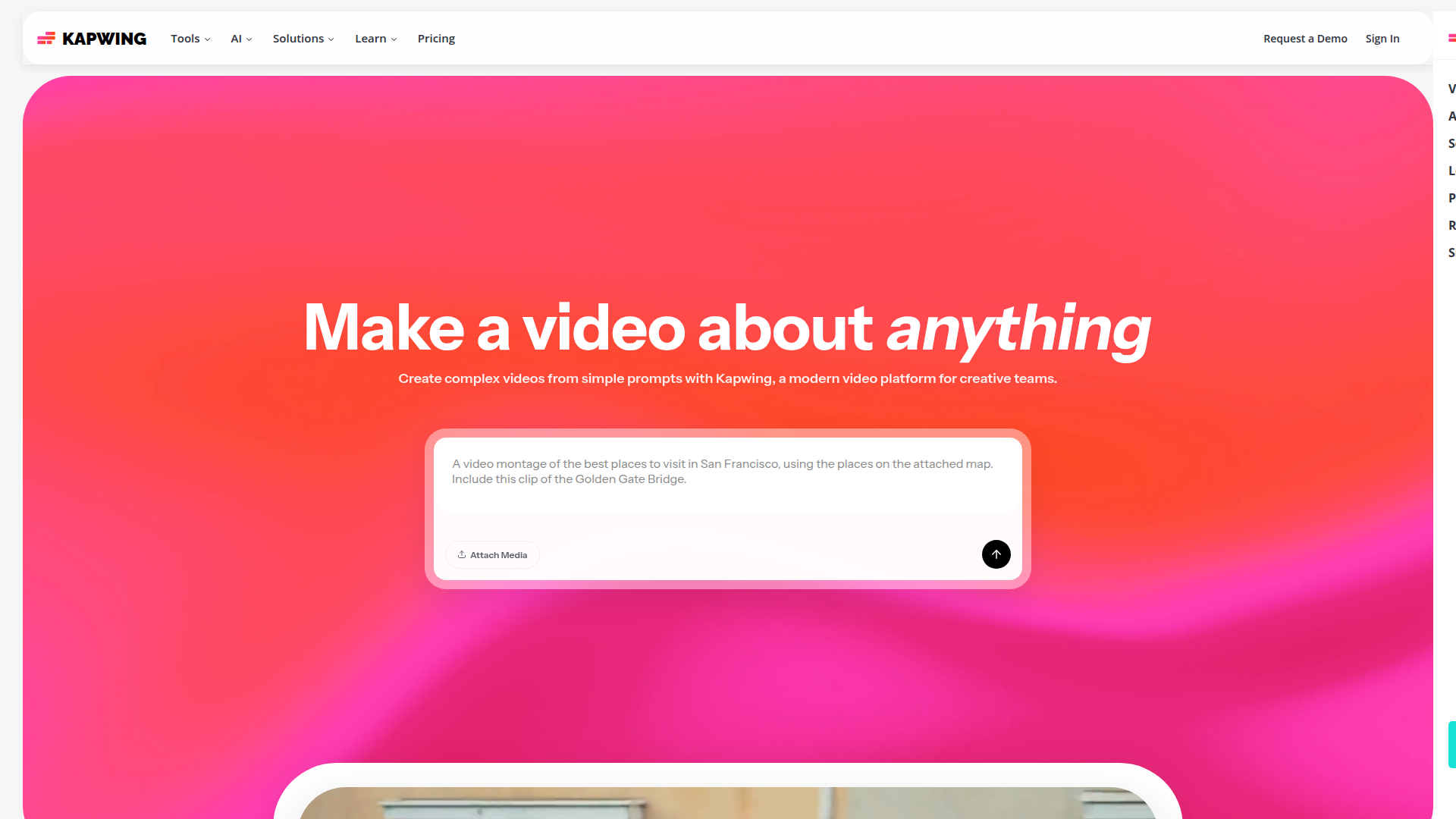
Make a video about anything.

Listed:Dec 19, 2025
Platform:
Web
iOS
Android
Share:
Kapwing

Kapwing Introduction

Kapwing is an online video editor and content creation platform that makes it easy to produce videos about any subject directly in your browser. Its combination of simple editing tools, templates, and collaborative workflows helps creators publish high-quality videos quickly.

Key benefits include:

  • Video editing suite with intuitive tools for trimming, layering, and sequencing media
  • Real-time collaboration to streamline team reviews and feedback
  • Templates and stock media to accelerate production
  • GIF maker, subtitling, and captioning tools to engage audiences
  • Image processing and audio editing for polished results
  • Screen recording and multi-format export for versatile outputs

Perfect for content creators, marketers, educators, and businesses who want to produce professional videos quickly and share them across platforms.

Summary

Kapwing is an online, cross-platform video editor and creator with templates, collaboration, and multi-format output.

Key Features

  • Video editing suite
  • Real-time collaboration
  • Templates and stock media
  • GIF maker
  • Subtitling and captioning tools
  • Image processing
  • Audio editing
  • Screen recording

Benefits

  • User-friendly interface
  • Cloud-based access
  • Collaboration features
  • Wide range of templates
  • Supports multiple formats
  • Fast export and sharing
  • Cross-platform access
  • Effortless social media publishing

Use Cases

  • Creating marketing videos
  • Educational content
  • Social media posts
  • Personal video projects
  • Product demos
  • Tutorials
  • Brand storytelling
  • Event highlights
  • Video resumes
  • Short-form vertical videos
  • Training videos
  • Corporate communications

How to Use Kapwing

  1. Visit the Kapwing website or open the app.
  2. Sign up for an account.
  3. Upload media or start from a template.
  4. Use editing tools to trim, add text, and arrange media.
  5. Add subtitles, audio, and effects as needed.
  6. Export and share your finished video.

Who Will Use Kapwing

  • Content creators
  • Marketers
  • Educators
  • Businesses
  • Social media managers
  • Video producers
  • Students
  • Freelancers

Alternative tools

Leonardo AI

Generate stunning visuals effortlessly with AI.

HIX AI

Free AI chat, image, music & video tools in one freemium platform for creators.

GirlfriendGPT

Create your AI dream girl - design the perfect AI girlfriend for you

Getimg AI

Create stunning AI-generated images with collaboration, editing, and fast results.

NanoBanana AI

Create stunning images with Google's AI model — fast, flexible, and easy.

Veo Camera

Record, Stream & Analyse

Toolsaday AI

Toolsaday AI: Automate tasks with AI to boost productivity and streamline your workflows.

Remini

AI-powered photo enhancer that sharpens portraits, landscapes, and old photos with ease.

PromptHero

Search and generate AI image & video prompts with ease—discover, customize, and export stunning AI content.

Free
PicWish

PicWish — Free online AI photo editor for quick, polished edits.