AI-Powered Free Online PDF Editor, Converter & Reader

Listed:Dec 19, 2025
Platform:
Web
iOS
Android
Share:
LightPDF

LightPDF Introduction

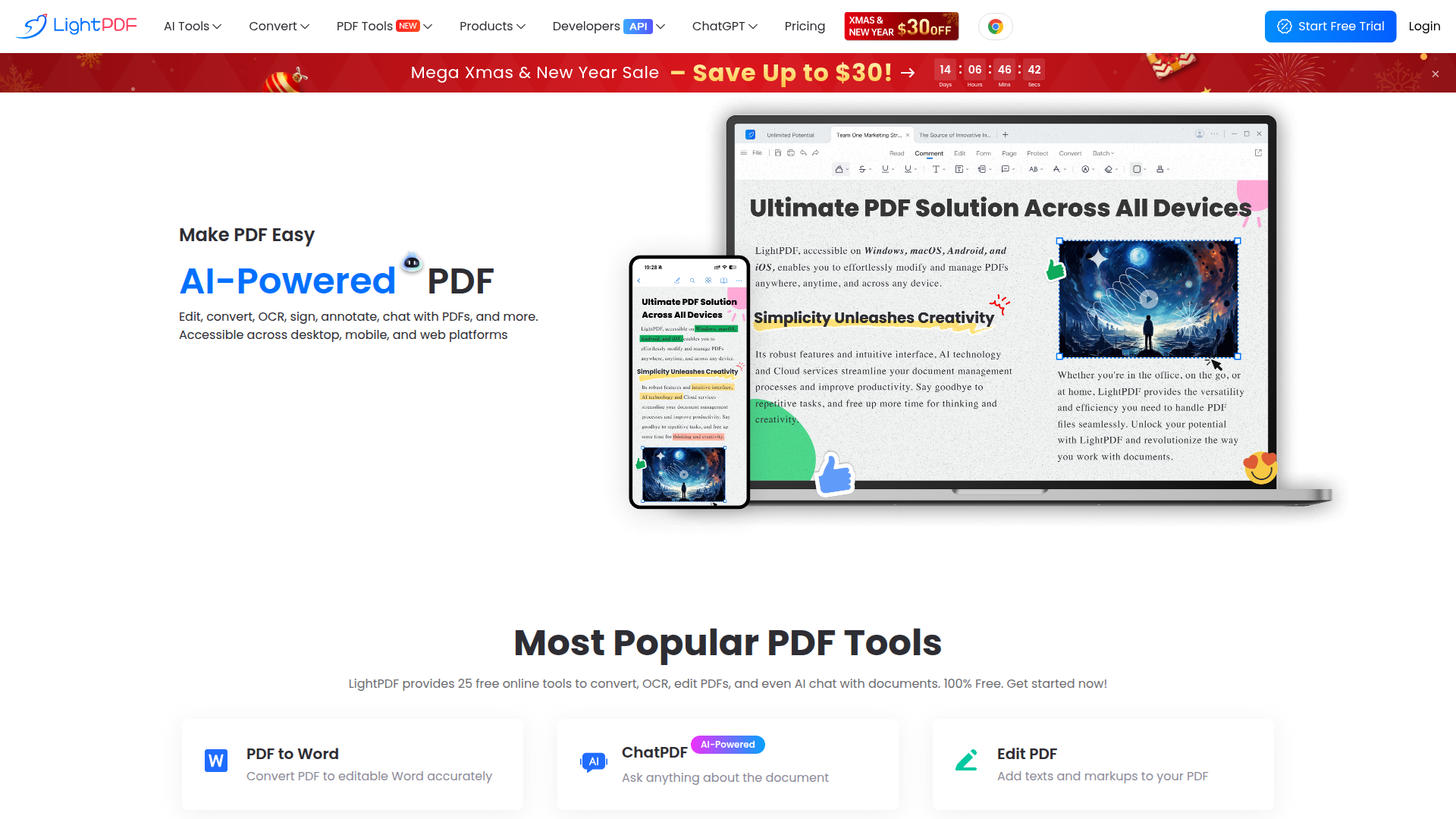
LightPDF is an AI-powered online PDF editor, converter and reader that lets you view, edit, convert, sign, annotate, merge, and manage PDFs directly in your browser or on mobile devices. It delivers cloud-based capabilities to simplify PDF tasks without software installation.

Key benefits include:

  • Edit PDFs easily with AI-powered editing tools
  • Convert PDFs to Word and other formats, plus batch processing
  • Compress, merge, annotate, and sign PDFs within a single platform
  • OCR support for scanned documents and text extraction
  • Sync and access your documents across devices via the cloud
  • Mobile-friendly access on Web, iOS, and Android

Perfect for students, professionals, teachers, researchers, and teams who need fast, cloud-enabled PDF editing and management.


Summary

LightPDF offers AI-powered online PDF editing, converting, and viewing with free cloud-based services across Web and mobile.

Key Features

  • Edit PDF with AI-assisted tools
  • Convert PDF to Word and other formats
  • Compress PDFs to reduce file size
  • Merge multiple PDFs into one document
  • OCR for scanned PDFs and text extraction
  • Annotate PDFs with notes and highlights
  • Sign PDFs electronically
  • Sync documents to the cloud for cross-device access

Benefits

  • User-friendly interface for quick PDF tasks
  • All major PDF functions in one tool
  • Accessible from any device with cloud sync
  • Fast processing for rapid results
  • Secure cloud storage options
  • Free access with premium options

Use Cases

  • Editing PDFs for assignments
  • Converting PDFs to Word or other formats
  • Annotating PDFs for reviews
  • Signing contracts electronically
  • Compressing PDFs for email sharing
  • Merging multiple PDFs into a single document
  • Using OCR to extract text from scanned PDFs
  • Filling and exporting forms
  • Sharing PDFs via cloud
  • Organizing and archiving PDFs

How to Use LightPDF

  1. Visit the LightPDF website or open the app on your device.
  2. Choose the PDF tool you need from the homepage.
  3. Upload your PDF file.
  4. Utilize the editing/conversion tools to modify the document.
  5. Download or share your edited PDF (with optional cloud sync).

Who Will Use LightPDF

  • Students
  • Professionals
  • Businesses
  • Teachers
  • Researchers
  • Freelancers
  • IT professionals
  • Administrative staff

Alternative tools

HIX AI

Free AI chat, image, music & video tools in one freemium platform for creators.

GirlfriendGPT

Create your AI dream girl - design the perfect AI girlfriend for you

NanoBanana AI

Create stunning images with Google's AI model — fast, flexible, and easy.

Origin Financial

Origin Financial — your all-in-one budget, investing, and AI planning platform.

Toolsaday AI

Toolsaday AI: Automate tasks with AI to boost productivity and streamline your workflows.

Roboflow

Computer vision tools for developers and enterprises

QuillBot

AI-powered writing assistant for paraphrasing, grammar, and summarization—across web and browser extensions.

Phrasly

Write naturally, without fear of detection.

Free
OpenRouter

Harness the power of multiple AI models in one place.

LOVO AI Voice Generator

Turn text into natural-sounding speech with 500+ voices, live cloning, and video-ready outputs.