The AI-powered SuperApp for Work – AI-driven project, task, calendar, and meeting management in one.

Listed:Dec 20, 2025
Platform:
Web
iOS
Android
Share:
Motion

Motion Introduction

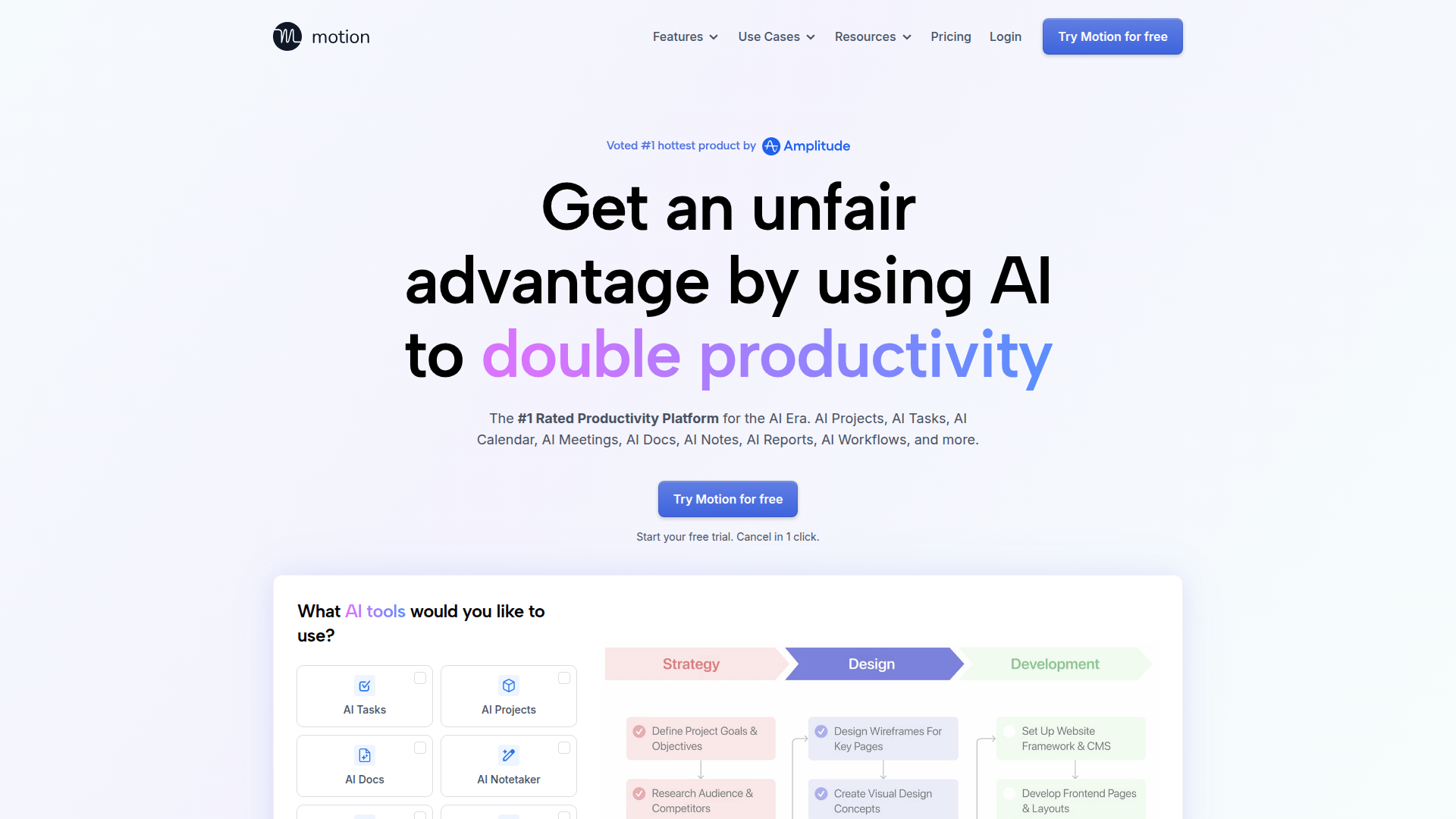
Motion is an AI-powered SuperApp for work that unifies tasks, calendars, meetings, docs, and notes in one intelligent workspace. Its AI-driven features help teams automate scheduling, streamline collaboration, and gain actionable insights.

Key benefits include:

  • Centralized task management across multiple apps for a single source of truth
  • AI-driven scheduling and calendar synchronization to reduce back-and-forth
  • In-app collaboration with context-rich discussions and comments
  • Automatic meeting notes and summaries to capture decisions
  • AI-powered dashboards and insights to improve efficiency and planning

Perfect for teams and individuals seeking an all-in-one, AI-powered productivity platform to streamline projects, scheduling, and collaboration.


Summary

Motion is an AI-powered SaaS platform that unifies task management, calendar, meetings, docs, notes, and AI insights in a single workspace.

Key Features

  • Automated task management across apps
  • Calendar integration and AI-driven scheduling
  • In-app collaboration with threaded discussions
  • AI-powered meeting notes and summaries
  • Gantt-style project tracking and dashboards
  • Centralized, searchable task list
  • Docs, notes, and AI insights in one workspace

Benefits

  • Increases productivity by unifying tasks and calendars
  • Reduces scheduling friction with AI-driven planning
  • Improves collaboration with centralized communications
  • Provides AI dashboards for actionable insights
  • Automates meeting notes to save time
  • Keeps all docs and notes in one accessible space

Use Cases

  • Plan and track client projects with AI-assisted timelines
  • Coordinate cross-functional campaigns (marketing, design, product)
  • Manage product roadmaps and sprint planning
  • Schedule and run multi-team meetings with automatic notes
  • Consolidate tasks from multiple apps into one list
  • Create knowledge bases, wikis, and docs
  • Automate status reporting to stakeholders
  • Align calendars for distributed teams
  • Capture decisions and next steps in meeting summaries
  • Monitor project health with AI-powered dashboards

How to Use Motion

  1. Sign up for a free account
  2. Connect your calendars and tools
  3. Create and organize tasks and projects
  4. Leverage AI features to schedule and assign work
  5. Collaborate with teammates and capture meeting notes

Who Will Use Motion

  • Project Managers
  • Product Managers
  • Design Teams
  • Marketing Teams
  • Freelancers
  • Small and Medium Businesses
  • Operations teams

Alternative tools

HIX AI

Free AI chat, image, music & video tools in one freemium platform for creators.

GirlfriendGPT

Create your AI dream girl - design the perfect AI girlfriend for you

NanoBanana AI

Create stunning images with Google's AI model — fast, flexible, and easy.

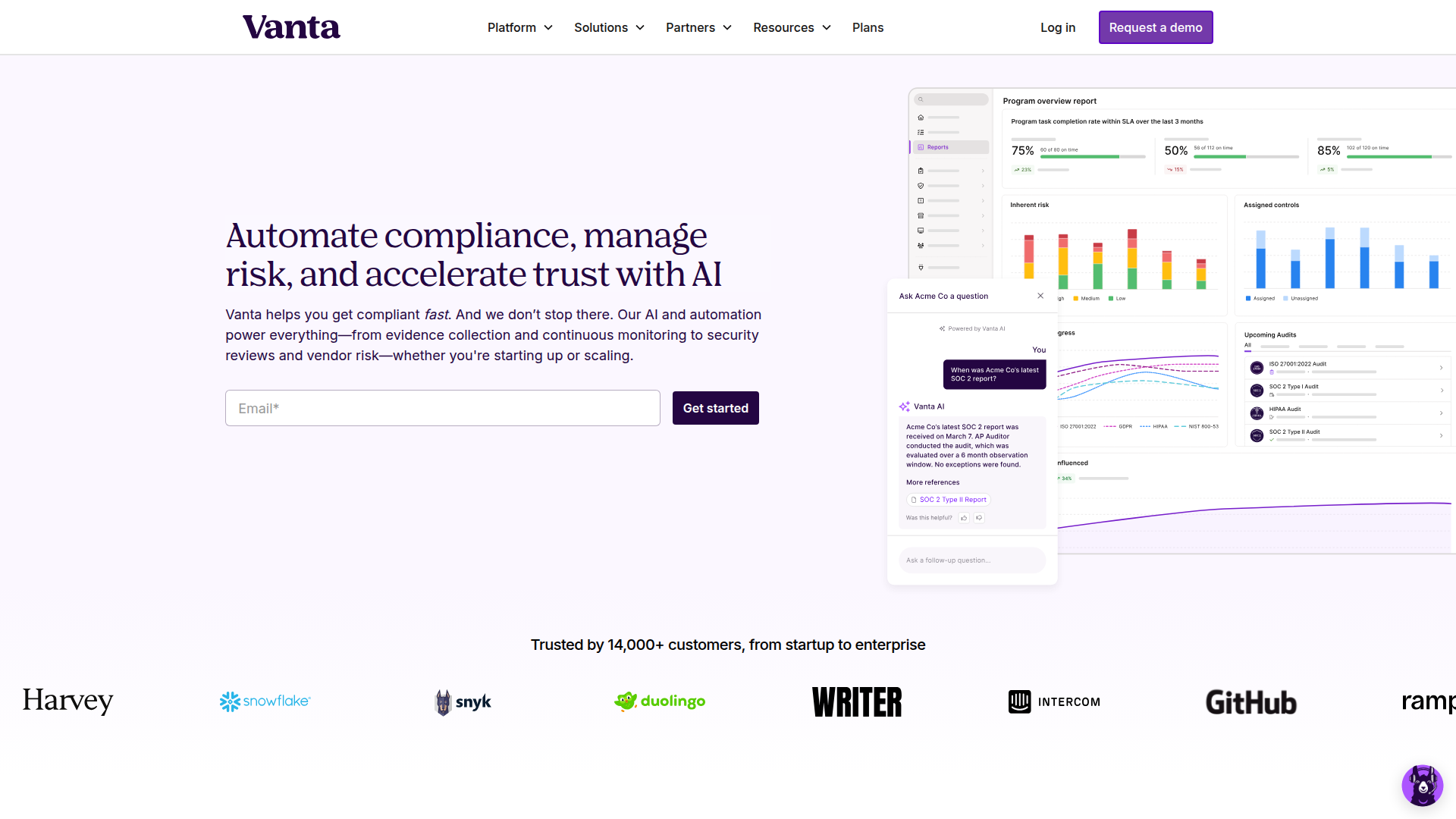
Vanta

Automate compliance and trust management for modern teams.

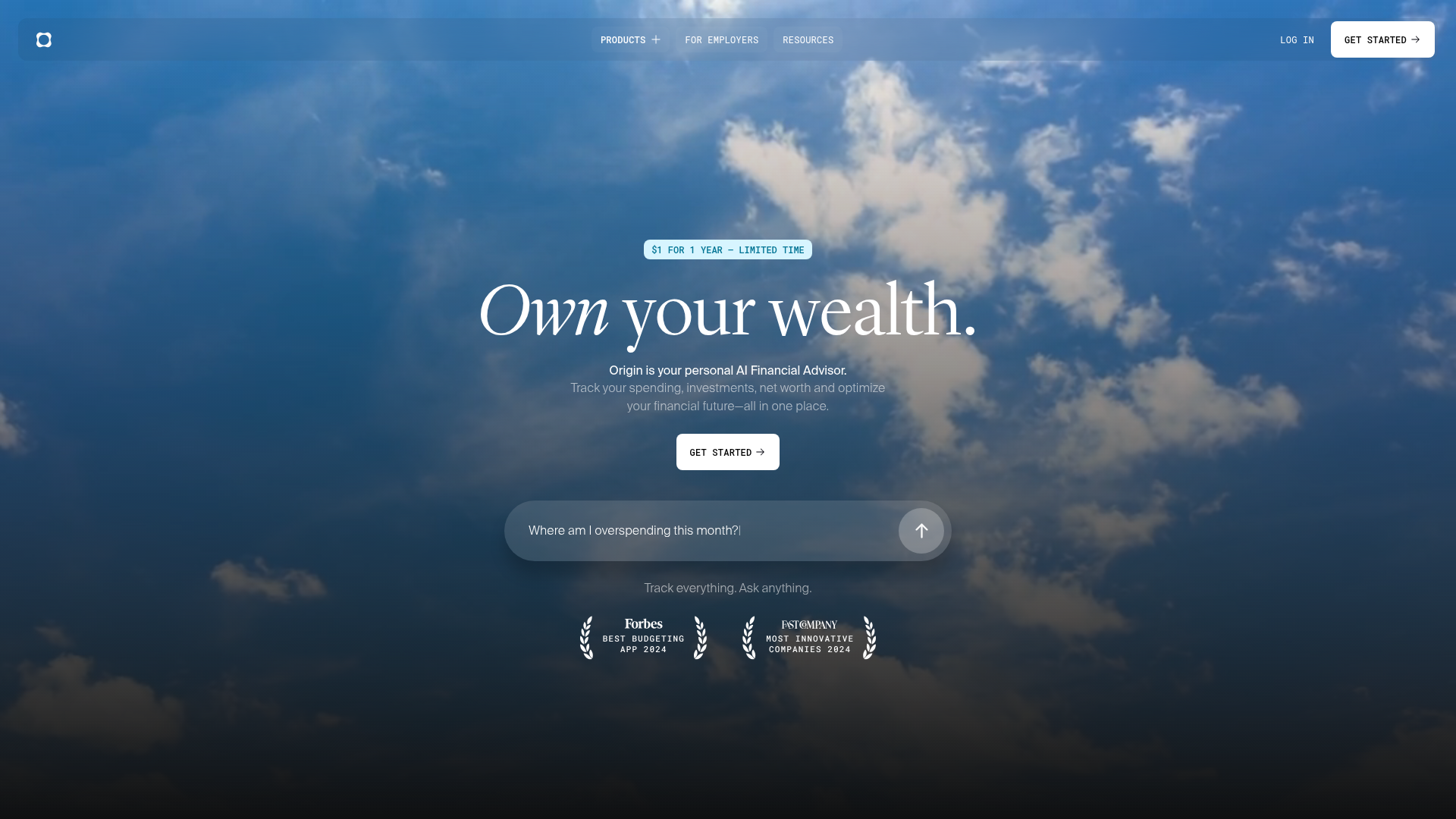
Origin Financial

Origin Financial — your all-in-one budget, investing, and AI planning platform.

Toolsaday AI

Toolsaday AI: Automate tasks with AI to boost productivity and streamline your workflows.

Roboflow

Computer vision tools for developers and enterprises

QuillBot

AI-powered writing assistant for paraphrasing, grammar, and summarization—across web and browser extensions.

Phrasly

Write naturally, without fear of detection.

Free
OpenRouter

Harness the power of multiple AI models in one place.