
PicWish — Free online AI photo editor for quick, polished edits.

Listed:Dec 19, 2025
Platform:
Web
iOS
Android
Share:
PicWish

PicWish Introduction

PicWish is a free online photo editor that uses AI-powered tools to remove backgrounds, enhance images, and streamline editing. It delivers quick, professional edits with a user-friendly web and mobile experience.

Key benefits include:

  • AI-powered background removal (single image and batch) with accurate results
  • AI-based image enhancement and upscaling to improve clarity
  • Background generation and white-background batching for catalog-ready images
  • Batch processing and watermark removal to speed up workflows
  • Free access with premium features for advanced tools

Perfect for photographers, social media managers, e-commerce sellers, and marketers who need fast, watermark-free edits on desktop or mobile.

Summary

PicWish is a free online photo editor offering AI-powered background removal, enhancement, and batch tools for quick, watermark-free edits.

Key Features

  • Background removal from a single image
  • Batch background removal
  • AI-based image enhancement and upscaling
  • AI background generator
  • Batch white-background replacement
  • AI image translation
  • Batch watermark removal
  • AI image extender

Benefits

  • User-friendly interface for quick edits
  • AI-powered tools speed up common photo tasks
  • No watermark on edited images
  • Mobile-friendly design for editing on the go
  • Supports batch processing for multiple images
  • Free access with optional premium features
  • Preserves image quality while enhancing visuals
  • Cross-device compatibility (web and mobile)

Use Cases

  • Editing photos for social media
  • Preparing product images for e-commerce listings
  • Enhancing personal photos
  • Creating promotional visuals
  • Producing marketing banners
  • Optimizing thumbnails for videos
  • Bulk processing client images
  • Removing backgrounds for catalog images
  • Generating clean product images on white background
  • Creating promotional graphics for campaigns
  • Portfolio photography edits
  • Maintaining brand visuals across campaigns

How to Use PicWish

  1. Visit the PicWish website
  2. Upload your image
  3. Select the editing tool you need
  4. Adjust settings and preview results
  5. Download the edited image

Who Will Use PicWish

  • Photographers
  • Social media managers
  • E-commerce sellers
  • Marketers
  • Content creators
  • Small business owners
  • Graphic designers
  • Product photographers

Alternative tools

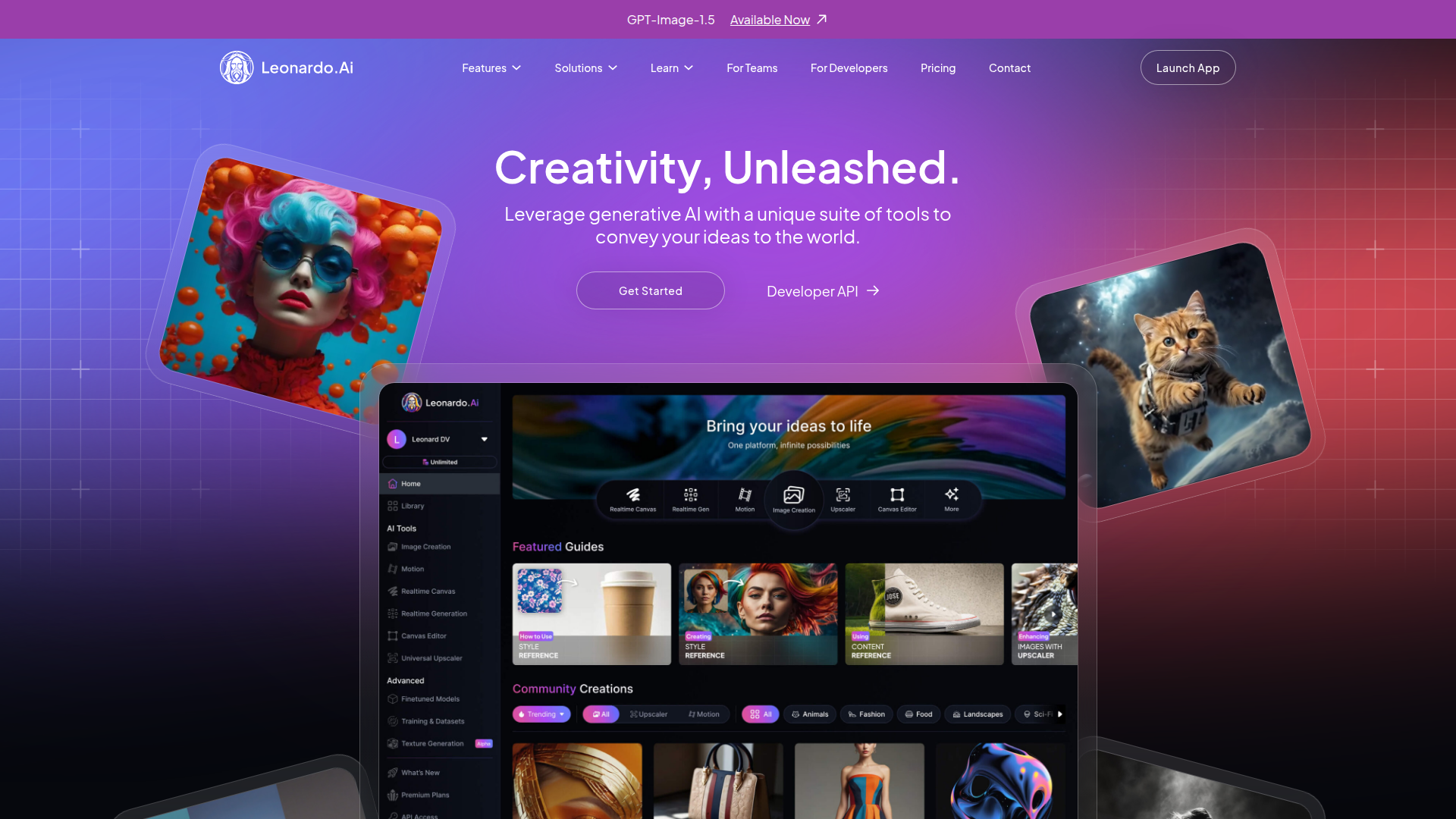
Leonardo AI

Generate stunning visuals effortlessly with AI.

HIX AI

Free AI chat, image, music & video tools in one freemium platform for creators.

GirlfriendGPT

Create your AI dream girl - design the perfect AI girlfriend for you

Getimg AI

Create stunning AI-generated images with collaboration, editing, and fast results.

NanoBanana AI

Create stunning images with Google's AI model — fast, flexible, and easy.

Toolsaday AI

Toolsaday AI: Automate tasks with AI to boost productivity and streamline your workflows.

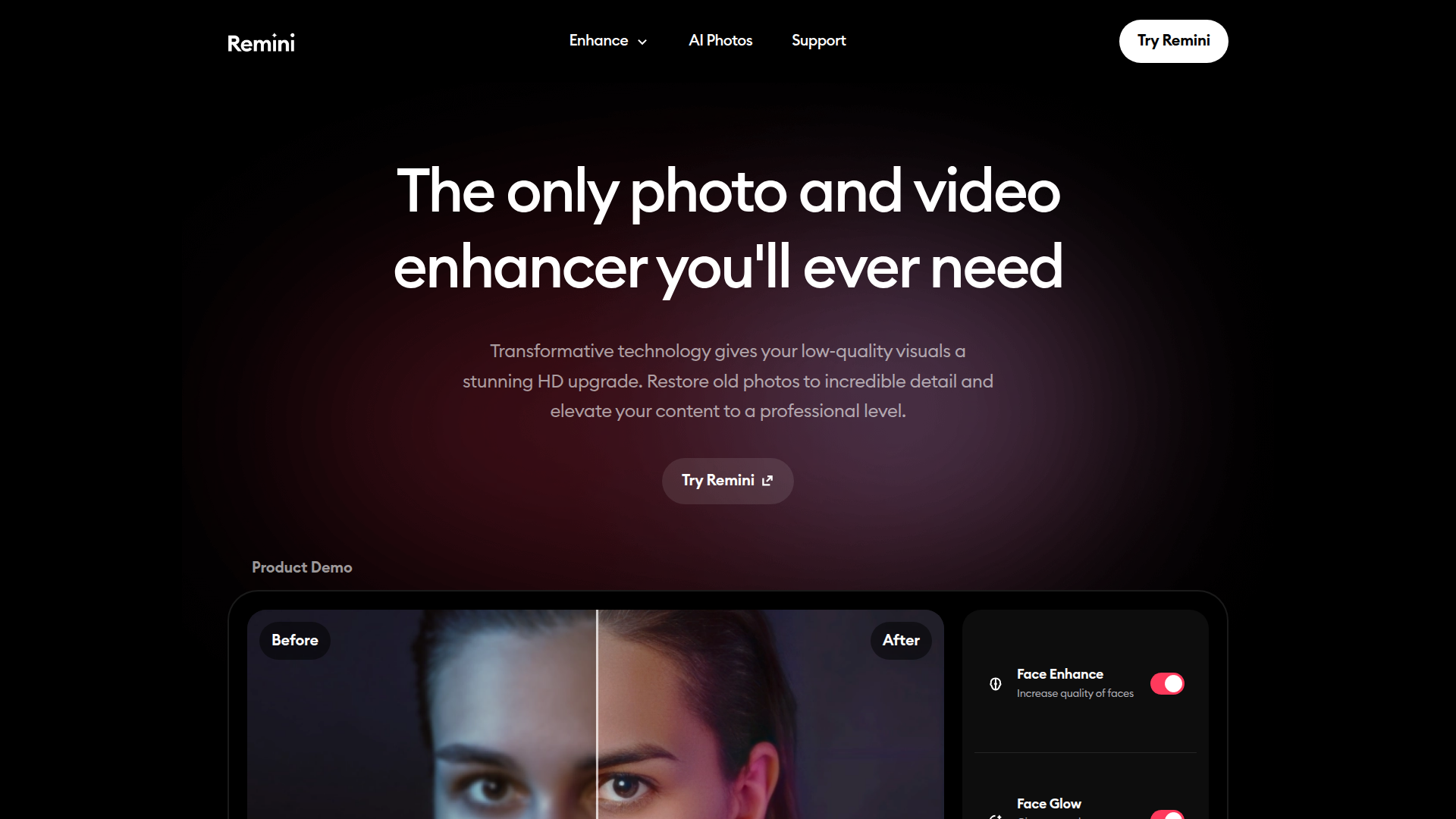
Remini

AI-powered photo enhancer that sharpens portraits, landscapes, and old photos with ease.

PromptHero

Search and generate AI image & video prompts with ease—discover, customize, and export stunning AI content.

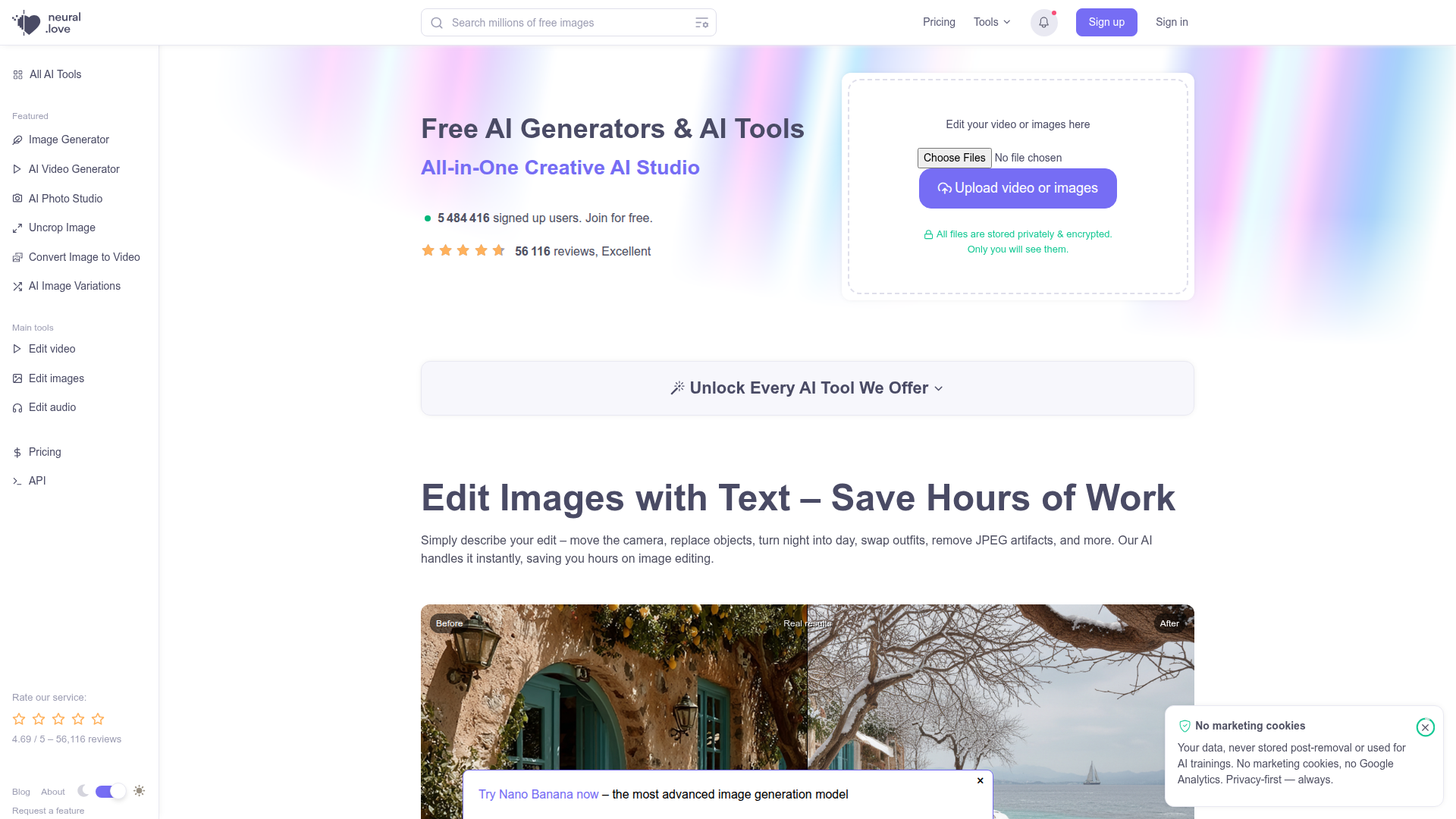
neural.love

Online AI tools for content creation—enhance videos, upscale images, and convert Live Photos to high-quality media.

MyMap AI

Create diagrams effortlessly with AI—brainstorm, design, and share visuals in minutes.