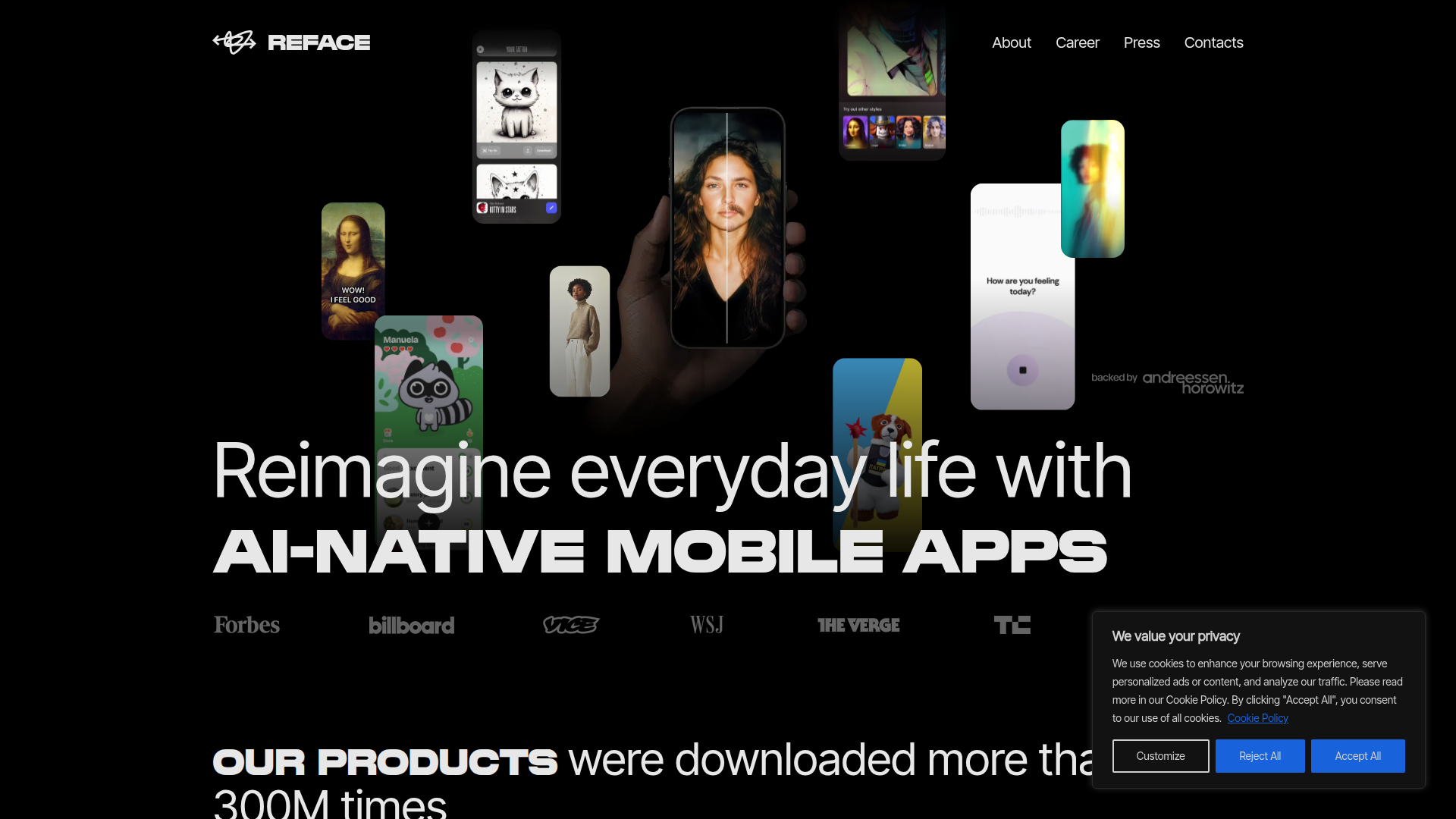
AI-powered face swapping in videos and GIFs—fun, fast, and endlessly shareable.

Listed:Dec 19, 2025
Platform:
iOS
Android
Share:
Reface

Reface Introduction

Reface makes it easy to swap faces in videos and GIFs using AI, delivering entertaining transformations with a simple, user-friendly experience.

Key benefits include:

  • Face swap in videos and GIFs driven by advanced AI for realistic results
  • Extensive templates and customization options for creative variations
  • Real-time previews and smooth performance for quick iteration
  • Social sharing features to effortlessly publish and showcase creations

Perfect for social media enthusiasts, content creators, and AI-curious users who want to create entertaining, shareable clips.

Summary

Reface is a mobile app that lets you swap faces in videos and GIFs using AI, featuring a friendly interface and a library of templates.

Key Features

  • Face swap in videos
  • Face swap in GIFs
  • AI-powered technology
  • User-friendly interface
  • Wide range of templates and options
  • Social sharing features
  • Real-time video face swap

Benefits

  • Engaging and entertaining user experience
  • Creative content ideas with minimal effort
  • Wide template library enables rapid concept iterations
  • Seamless social sharing to boost engagement
  • Real-time previews for faster results
  • Powered by advanced AI for convincing swaps

Use Cases

  • Creating funny videos
  • Enhancing social media content
  • Personalizing GIFs
  • Sharing custom memes
  • Parody clips featuring celebrities
  • Product demos with face swaps
  • Educational demonstrations
  • Holiday greetings with family faces
  • Marketing campaigns with influencer faces
  • Reaction videos
  • Fan-made clips and memes
  • Event promos with participant faces

How to Use Reface

  1. Step 1: Download the Reface app from the App Store or Google Play.
  2. Step 2: Create or upload a photo of yourself.
  3. Step 3: Select a video or GIF template to swap faces in.
  4. Step 4: Preview the result and adjust as needed.
  5. Step 5: Save or share your creations to social platforms.

Who Will Use Reface

  • Social media enthusiasts
  • Content creators
  • Entertainment seekers
  • AI technology enthusiasts
  • Influencers and brand marketers
  • Video editors and remix artists
  • Social media managers
  • Memers and trend chasers
  • Friends and family looking for fun
  • Educators and AI demonstrations

Frequently Asked Questions

Alternative tools

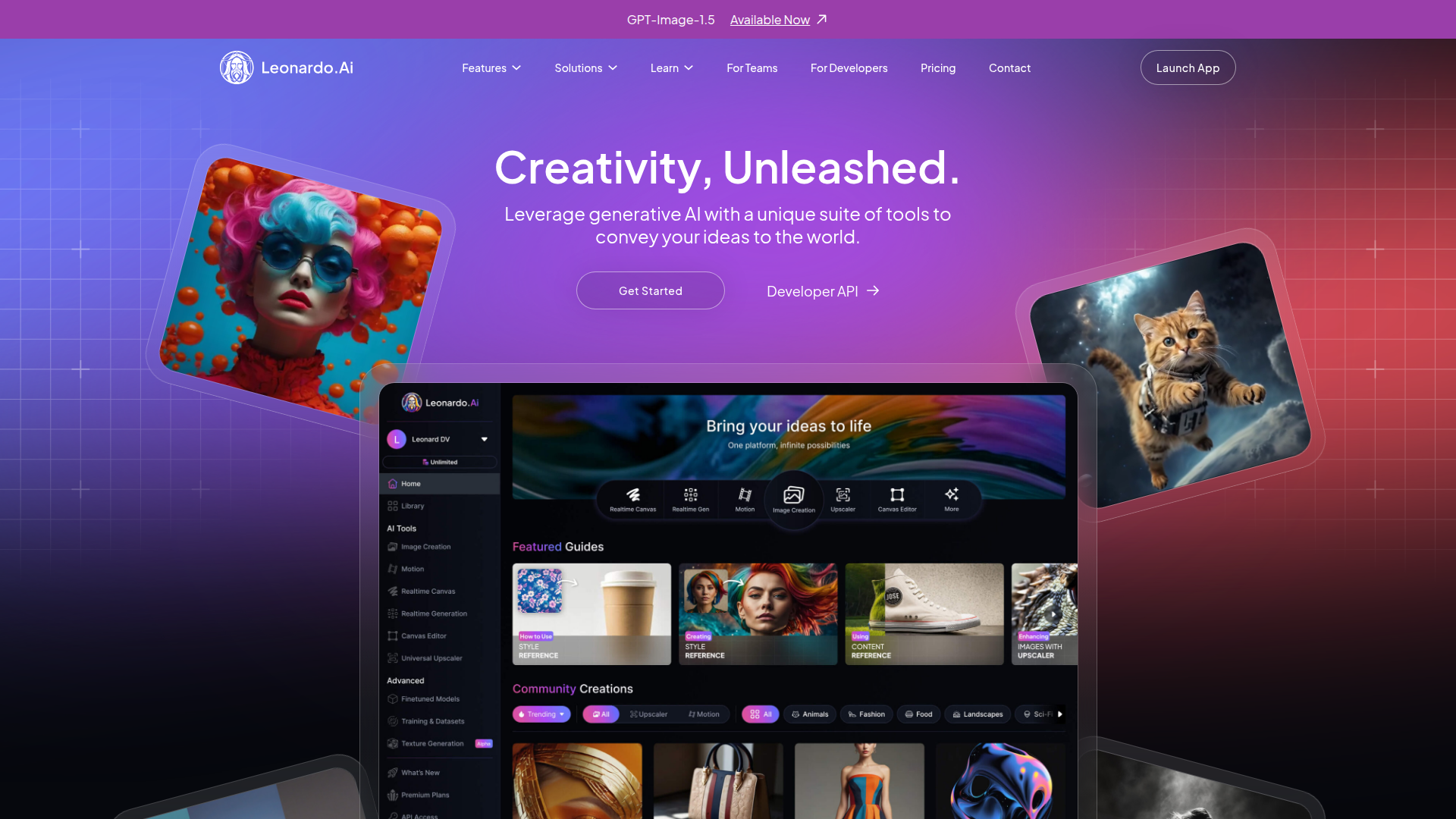
Leonardo AI

Generate stunning visuals effortlessly with AI.

HIX AI

Free AI chat, image, music & video tools in one freemium platform for creators.

GirlfriendGPT

Create your AI dream girl - design the perfect AI girlfriend for you

Getimg AI

Create stunning AI-generated images with collaboration, editing, and fast results.

NanoBanana AI

Create stunning images with Google's AI model — fast, flexible, and easy.

Veo Camera

Record, Stream & Analyse

Taplio

Grow your personal LinkedIn brand with AI-powered content, scheduling, carousels, and analytics—all in one platform.

Remini

AI-powered photo enhancer that sharpens portraits, landscapes, and old photos with ease.

PromptHero

Search and generate AI image & video prompts with ease—discover, customize, and export stunning AI content.

Free
PicWish

PicWish — Free online AI photo editor for quick, polished edits.