Aura: Intelligent Digital Safety for the Whole Family

Listed:Dec 19, 2025
Platform:
Desktop
iOS
Android
Browser Extension
Share:
Aura

Aura Introduction

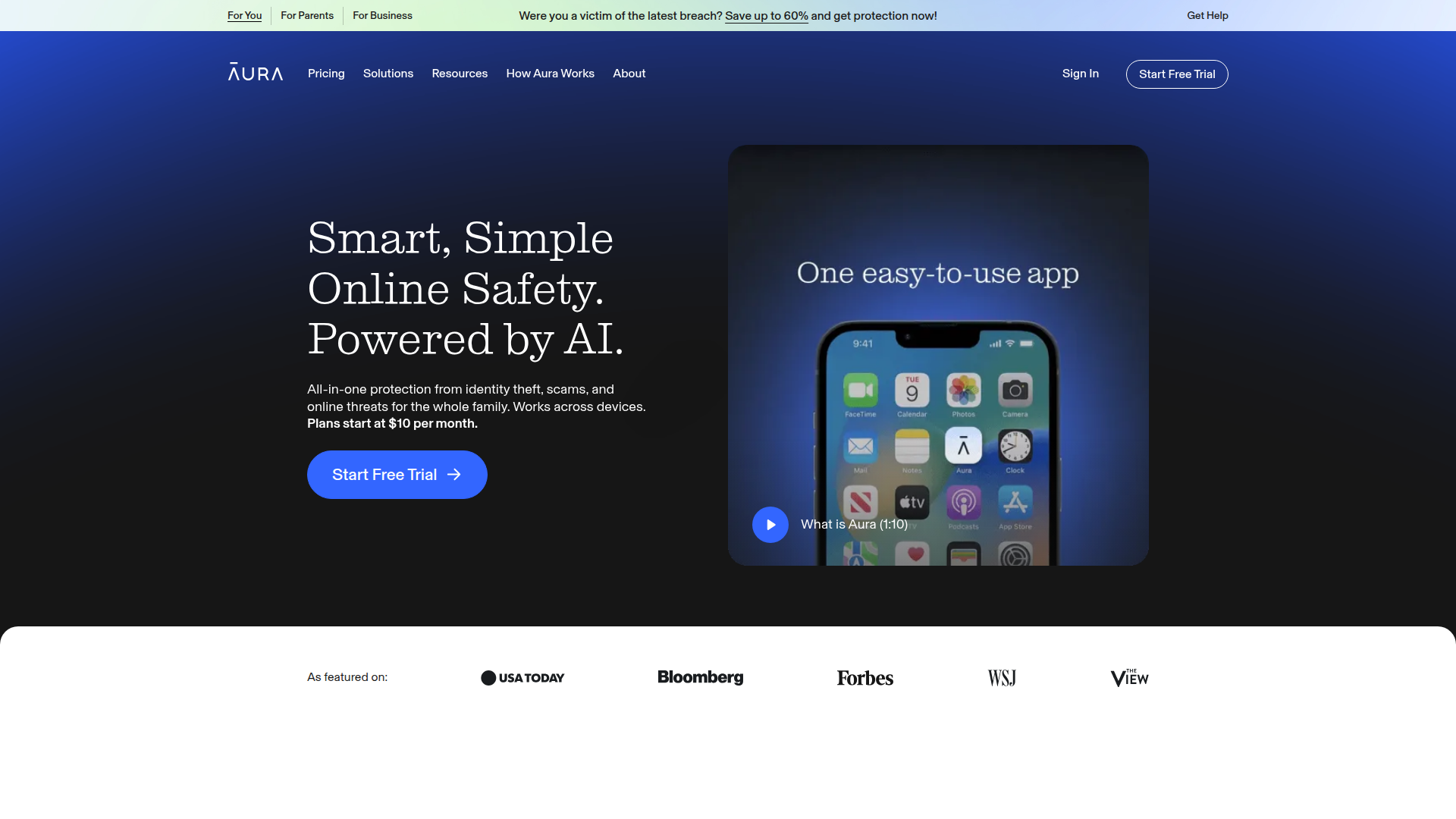
Aura helps families protect identities, finances, and personal data with proactive monitoring and real-time alerts across devices. The platform combines identity theft protection, financial fraud monitoring, and comprehensive parental controls into a single, easy-to-use service.

Key benefits include:

  • Leaked passwords and personal data alerts
  • Financial fraud protection and credit monitoring
  • Identity theft protection with rapid response
  • Cyberbullying prevention and safe gaming features
  • Content filtering and data broker removal
  • 24/7 monitoring and support across devices

Perfect for families who want to safeguard online identities and privacy while managing their children's digital lives.
Summary

Aura provides family-wide digital safety with real-time alerts, privacy controls, and password and identity protection across devices.

Key Features

  • Leaked passwords and personal data alerts
  • Financial fraud protection
  • Identity theft protection
  • Cyberbullying prevention
  • Content filtering
  • Safe gaming features
  • Parental controls
  • VPN services
  • Antivirus protection
  • Password manager
  • Data broker removal
  • Credit monitoring
  • 24/7 support

Benefits

  • Comprehensive protection for the entire family
  • 24/7 monitoring and quick response to incidents
  • User-friendly mobile and web applications
  • Privacy-focused features like data broker removal and VPN
  • Parental controls and safe gaming to protect kids
  • Continuous credit and identity monitoring

Use Cases

  • Monitoring children's online activities
  • Receiving alerts for suspicious financial transactions
  • Blocking harmful content on devices
  • Managing passwords through a secure vault
  • Removing personal information from data brokers
  • Protecting against identity theft
  • Detecting and blocking unusual credit activity
  • Using VPN for secure browsing on public networks
  • Preventing cyberbullying and unsafe communications
  • Safeguarding home devices with antivirus and device protection

How to Use Aura

  1. Download the Aura app from your preferred platform.
  2. Create an Aura account and choose your subscription plan.
  3. Connect your devices and configure alerts and privacy preferences.
  4. Set up parental controls and age-appropriate restrictions.
  5. Review and act on real-time alerts from the dashboard.
  6. Use tools like password manager, data broker removal, and VPN as needed.

Who Will Use Aura

  • Parents
  • Children
  • Families with teens
  • Individuals seeking identity theft protection
  • Caregivers
  • People focused on online privacy and data protection
  • Home users looking for digital safety

Alternative tools

Vanta

Automate compliance and trust management for modern teams.

Origin Financial

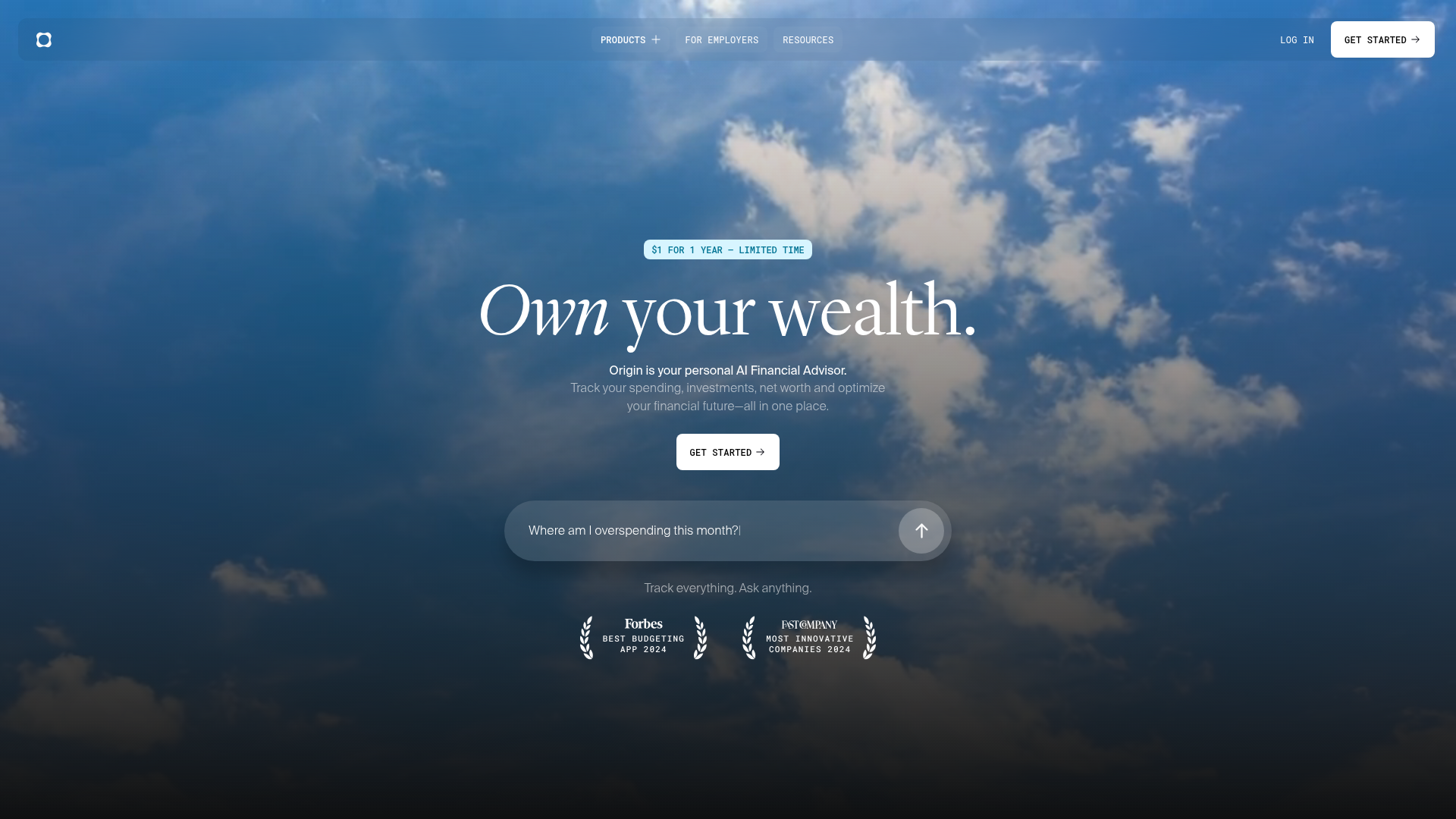
Origin Financial — your all-in-one budget, investing, and AI planning platform.

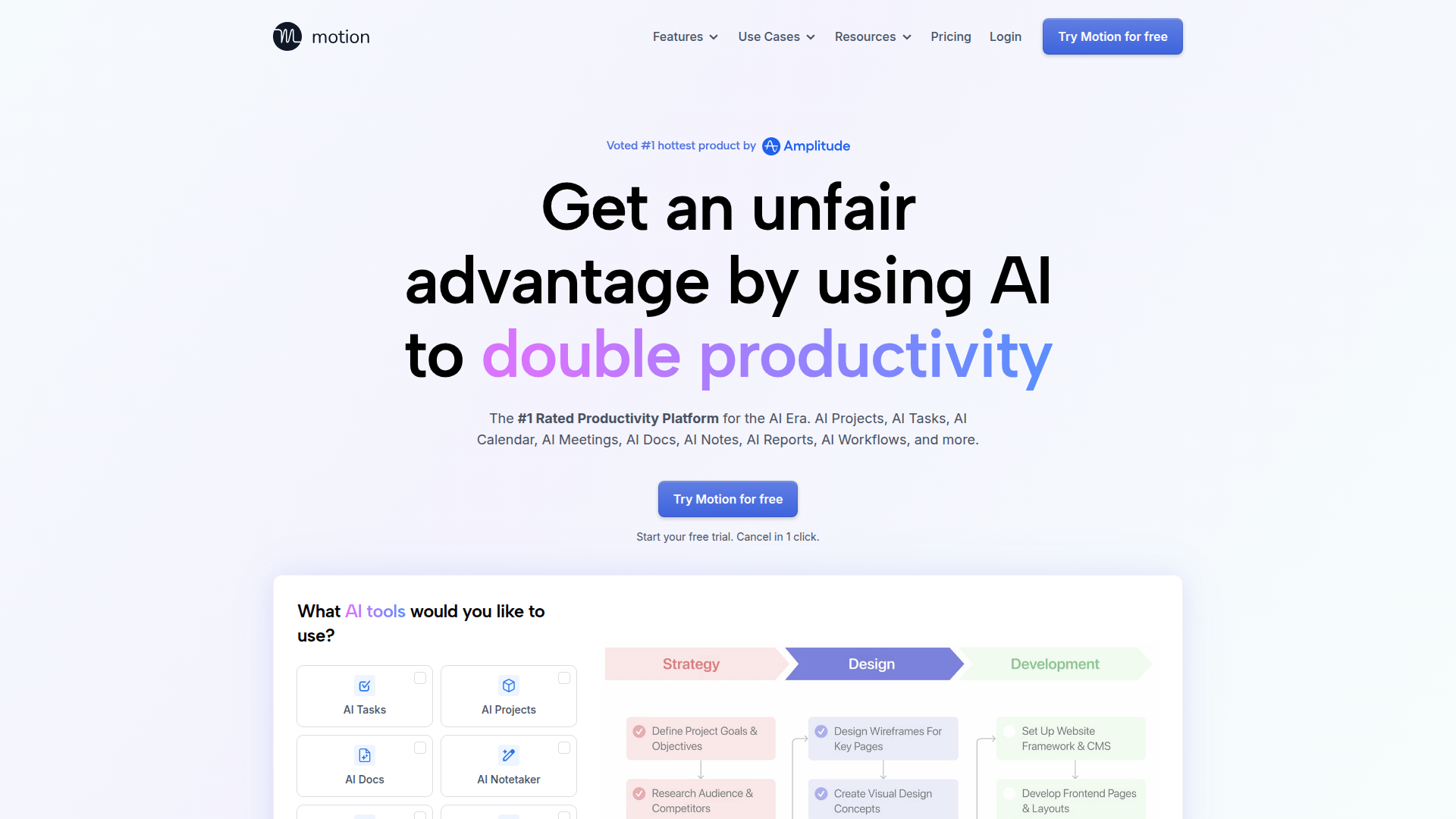
Motion

The AI-powered SuperApp for Work – AI-driven project, task, calendar, and meeting management in one.

Toolsaday AI

Toolsaday AI: Automate tasks with AI to boost productivity and streamline your workflows.

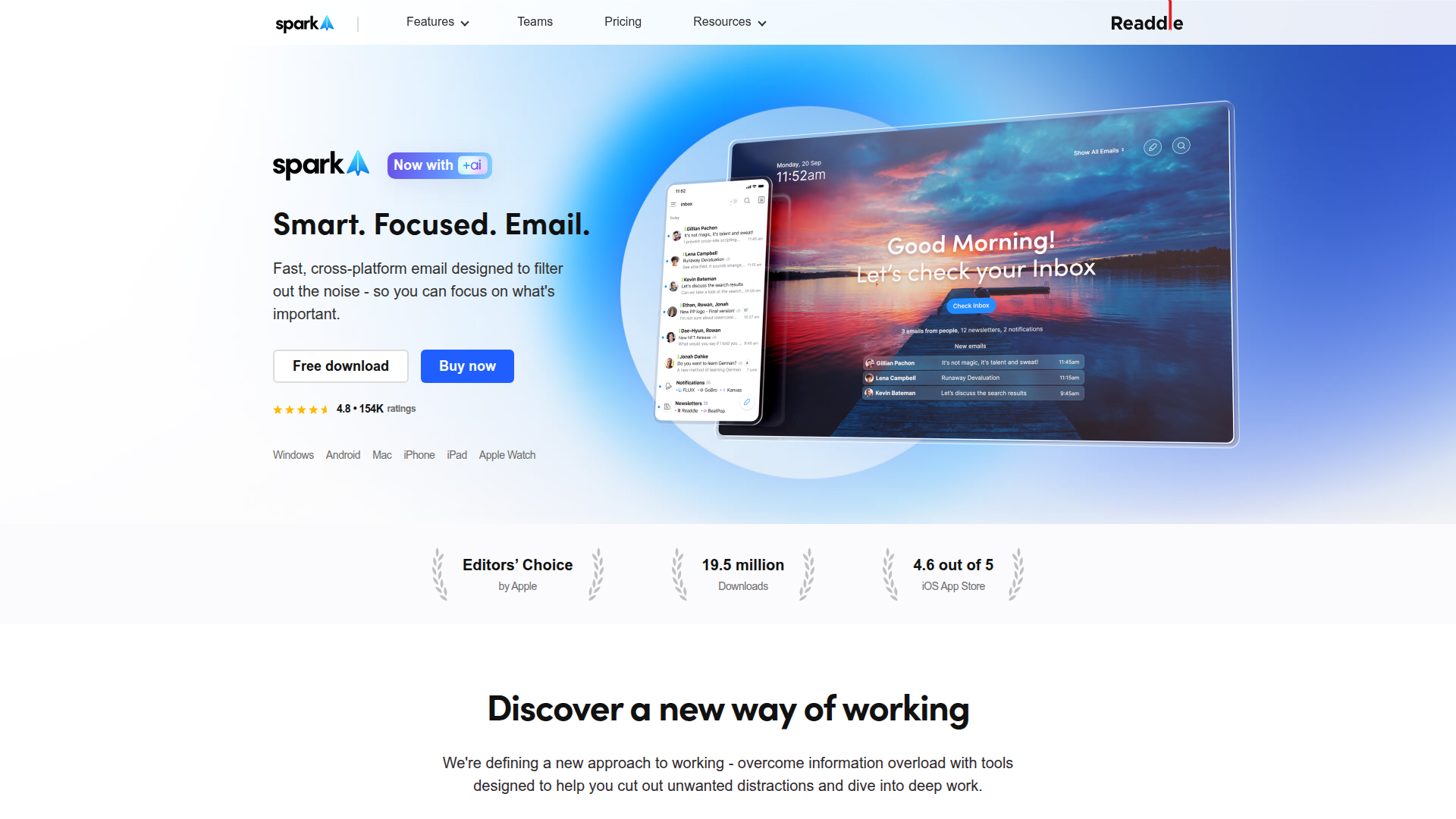
Spark Mail

Smart, focused email that helps you prioritize what matters.

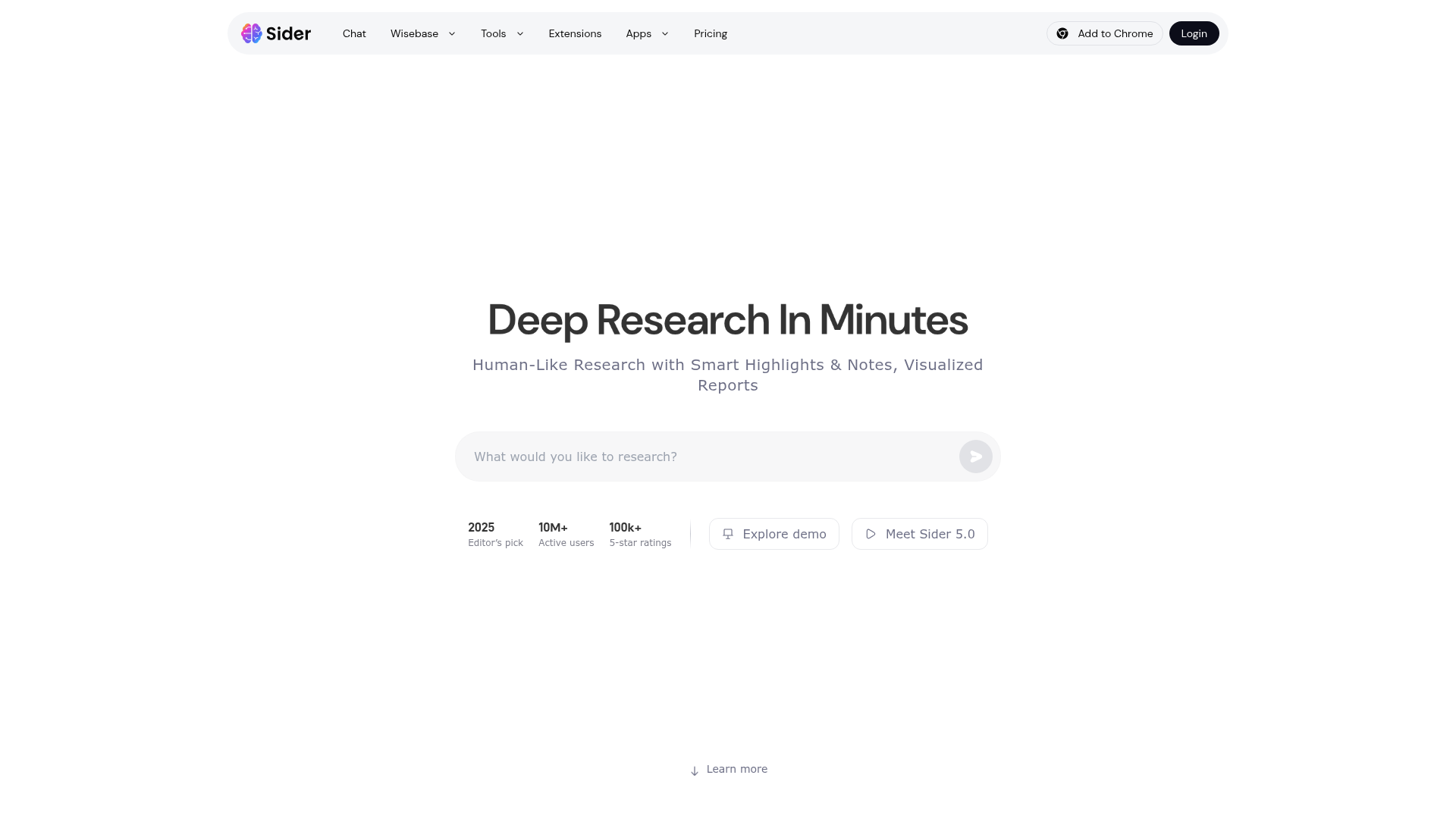
Sider

The AI-powered browser sidebar that brings GPT-5, Claude 4, Gemini 2.5, and Grok 4 into your workflow.

Roboflow

Computer vision tools for developers and enterprises

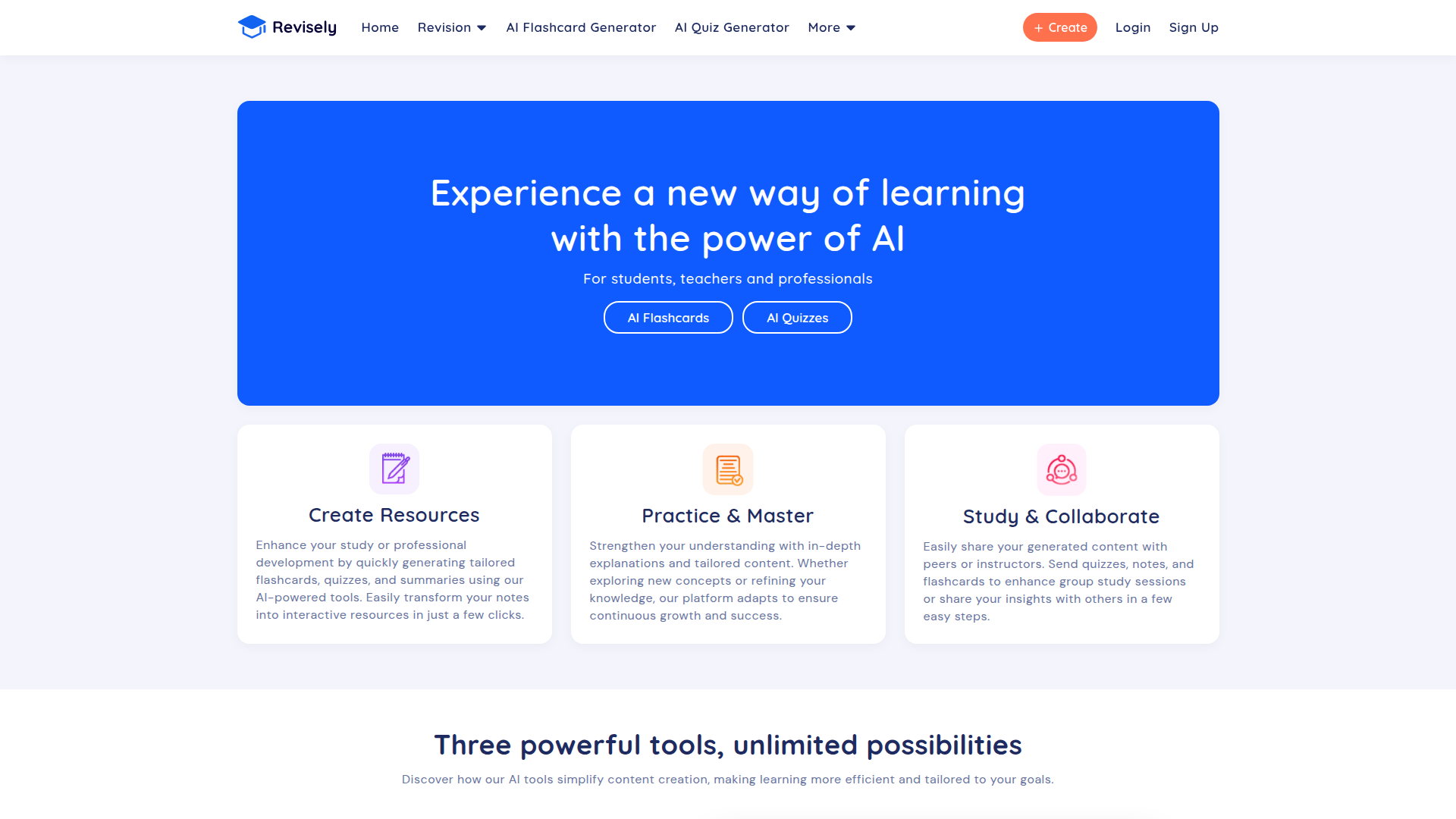
Revisely

AI-powered feedback and collaborative learning resources for educators and students.

ResumeBuilder.com

Create a professional resume in minutes.

Remini

AI-powered photo enhancer that sharpens portraits, landscapes, and old photos with ease.