AI-powered image upscaling with lossless quality for anime-style art and photos

Listed:Dec 19, 2025
Platform:
Web
iOS
Android
Share:
Bigjpg

Bigjpg Introduction

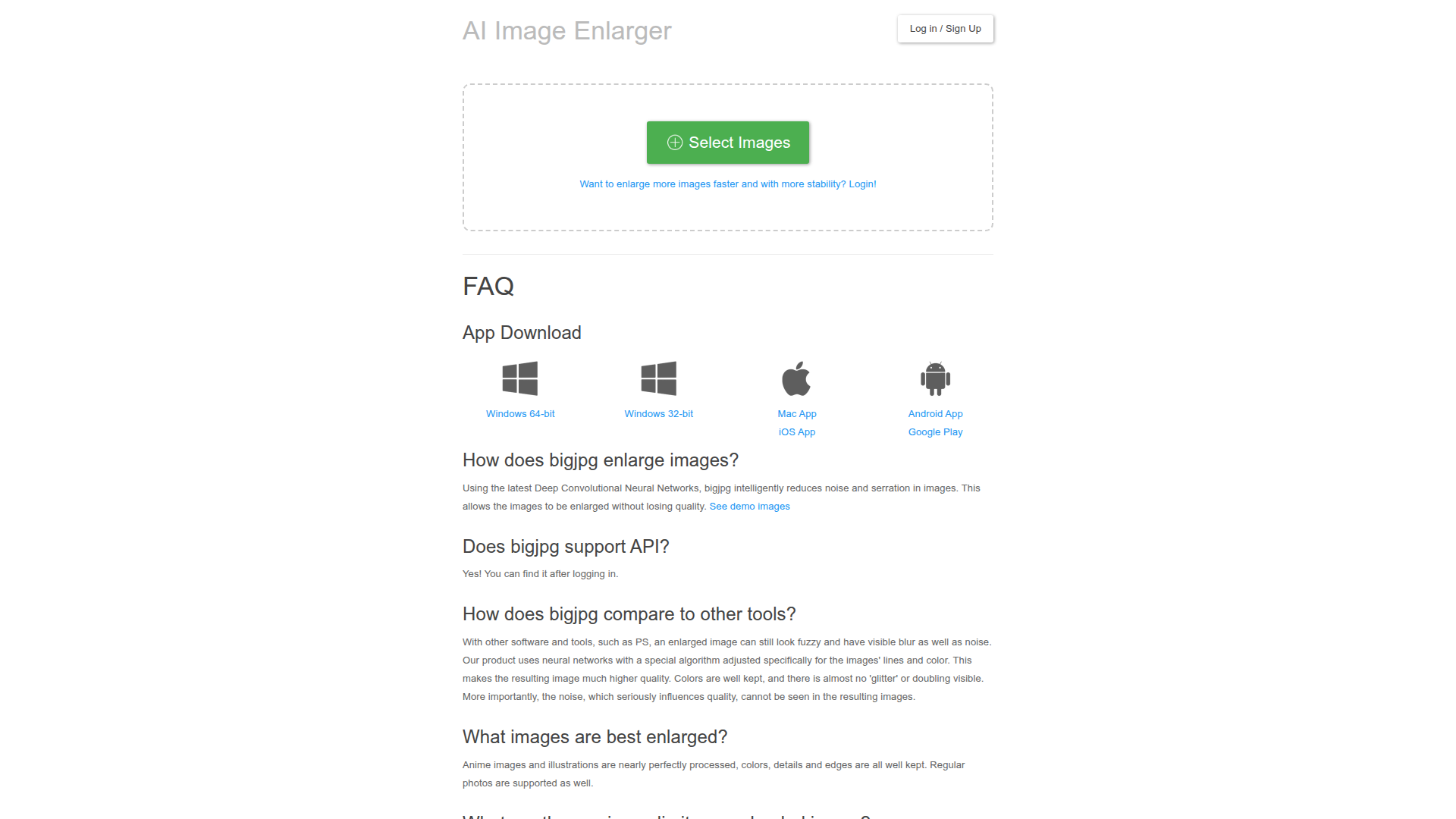
Bigjpg is an AI-powered image enlarger that scales images with lossless quality using Deep Convolutional Neural Networks. It specializes in anime-style artworks and also supports photos.

Key benefits include:

  • AI-powered image enlargement: Upscale images while preserving details with advanced neural network algorithms.
  • Lossless upscaling: Enlarged images retain original sharpness and clarity without quality loss.
  • DCNN technology: Utilizes Deep Convolutional Neural Networks for high-fidelity upscaling.
  • Multi-format support: Handles JPEG, PNG, and other common image formats.
  • Batch processing: Upscale multiple images in a single, streamlined workflow.

Perfect for photographers, designers, artists, marketers, and content creators who want high-resolution results without quality loss when upscaling.


Summary

Bigjpg uses AI-powered deep CNNs to enlarge images with lossless quality, preserving details for anime-style art and photos.

Key Features

  • AI-powered image enlargement
  • Lossless image upscaling
  • Deep Convolutional Neural Networks technology
  • Supports JPEG, PNG, and other formats
  • Batch processing capabilities

Benefits

  • Significant image quality improvement
  • Time savings with automated upscaling
  • Maintains details at large sizes
  • Suitable for anime-style artworks and photographs
  • User-friendly workflow
  • Supports batch processing for bulk tasks

Use Cases

  • Enhancing product images for e-commerce
  • Upscaling art for printing
  • Improving resolution of old photographs
  • Preparing images for digital portfolios
  • Creating high-res visuals for social media campaigns
  • Restoring low-resolution game textures
  • Upscaling stock photos for marketing materials
  • Producing print-ready posters
  • Enhancing website hero images
  • Upgrading scanned artwork to print quality
  • Refining visuals for catalogs
  • Preparing portfolios for client pitches

How to Use Bigjpg

  1. Step 1: Upload your image
  2. Step 2: Select the scaling factor
  3. Step 3: Choose processing options
  4. Step 4: Click Start to upscale

Who Will Use Bigjpg

  • Photographers
  • Graphic Designers
  • Artists
  • Marketing Professionals
  • E-commerce Merchandisers
  • Print Professionals
  • Content Creators
  • Web Designers

Alternative tools

HIX AI

Free AI chat, image, music & video tools in one freemium platform for creators.

GirlfriendGPT

Create your AI dream girl - design the perfect AI girlfriend for you

NanoBanana AI

Create stunning images with Google's AI model — fast, flexible, and easy.

Motion

The AI-powered SuperApp for Work – AI-driven project, task, calendar, and meeting management in one.

Toolsaday AI

Toolsaday AI: Automate tasks with AI to boost productivity and streamline your workflows.

Roboflow

Computer vision tools for developers and enterprises

Revisely

AI-powered feedback and collaborative learning resources for educators and students.

QuillBot

AI-powered writing assistant for paraphrasing, grammar, and summarization—across web and browser extensions.

Phrasly

Write naturally, without fear of detection.

Free
OpenRouter

Harness the power of multiple AI models in one place.