PhotoGrid logo

PhotoGrid

PhotoGrid — Create stunning collages and edit photos with AI power.

Listed:Dec 19, 2025
Platform:
Web
iOS
Android
Share:
PhotoGrid

PhotoGrid Introduction

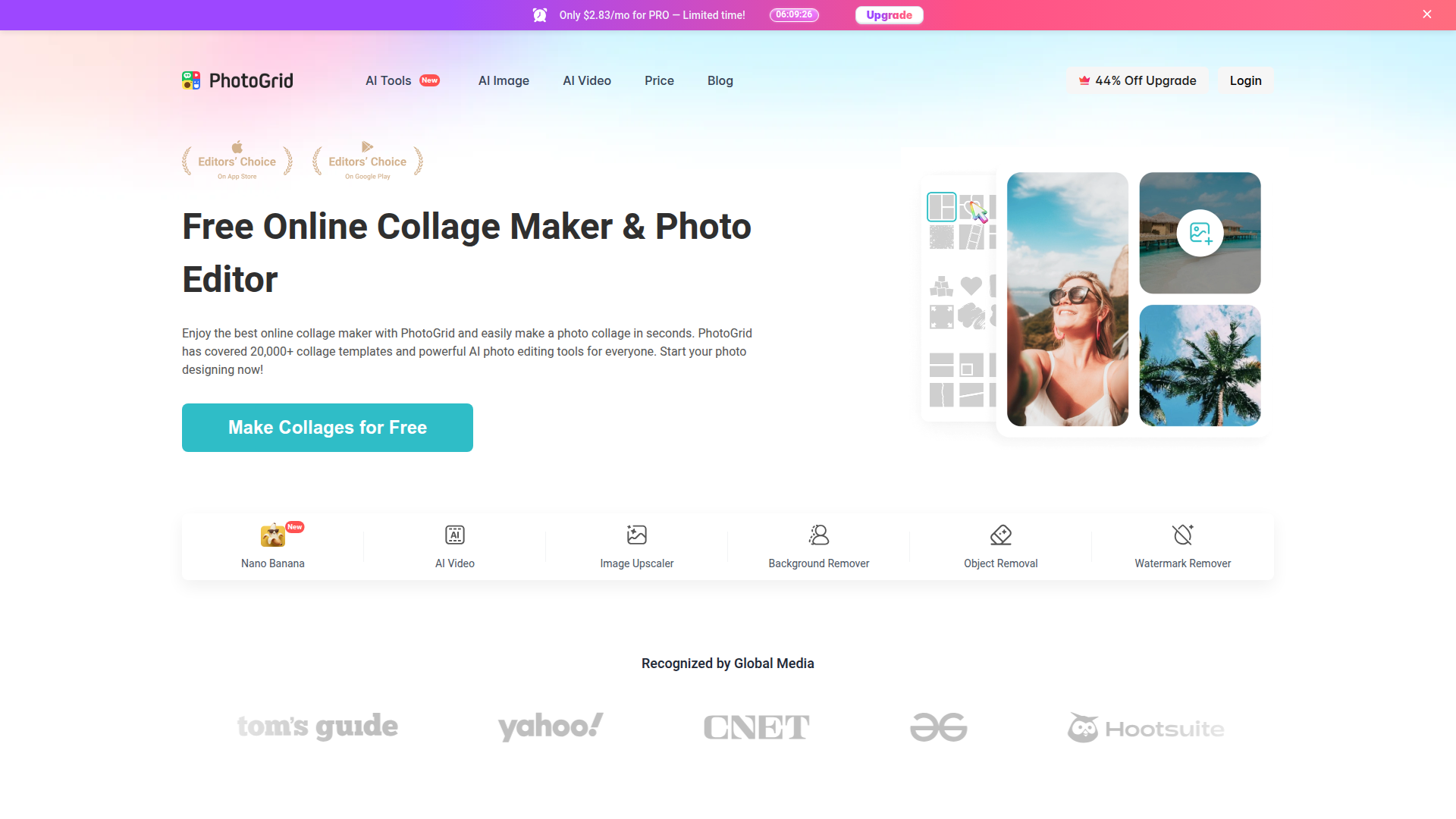
PhotoGrid is an online collage maker and AI-powered photo editor that helps you craft striking visuals for social media, marketing, and personal projects.

With a vast library of templates and AI-assisted editing, you can assemble multi-photo collages quickly and polish every image.

Key benefits include:

  • Create collages with up to 15 photos using templates designed for social media
  • AI background removal and advanced editing tools for fast perfection
  • Text overlays with customizable fonts and layouts
  • Access 20,000+ layout templates and a wide range of effects, stickers, and backgrounds
  • Easy export and direct sharing to social channels

Perfect for social media users, marketers, and content creators who want professional visuals quickly.


Summary

PhotoGrid is a freemium online collage maker and AI photo editor with 20,000+ templates, background removal, text overlays, and social-ready visuals.

Key Features

  • Create collages with up to 15 photos
  • AI background removal
  • Text overlay and customizable fonts
  • Templates for social media posts
  • Image effects like filters and stickers
  • Extensive template library with drag-and-drop editing
  • Easy export and direct sharing to social channels

Benefits

  • Easily create professional-looking collages
  • AI tools for efficient editing and background removal
  • Large template library to suit any style or brand
  • Text overlays with customizable typography
  • Rich effects, stickers, and backgrounds for creativity
  • Seamless export and sharing to social platforms

Use Cases

  • Social media posts
  • Marketing materials
  • Family photo collages
  • Event invitations
  • Brand storytelling visuals
  • Product showcases
  • Portfolios for creatives
  • School projects and classroom visuals
  • Wedding and party visuals
  • Digital flyers and posters
  • Blog and website graphics

How to Use PhotoGrid

  1. Sign up with your email or social media account
  2. Choose a collage template or start from scratch
  3. Upload your photos and arrange them as desired
  4. Add text, stickers, or filters for personalization
  5. Download or share your creation directly to social media

Who Will Use PhotoGrid

  • Social media marketers
  • Content creators
  • Photographers
  • Small business owners
  • Parents creating family collages
  • Event planners
  • Influencers and hobbyists

Alternative tools

TubeBuddy

The Ultimate YouTube Growth Tool for SEO, thumbnails, and analytics

Toolsaday AI

Toolsaday AI: Automate tasks with AI to boost productivity and streamline your workflows.

Taplio

Grow your personal LinkedIn brand with AI-powered content, scheduling, carousels, and analytics—all in one platform.

Smartlead

Smartlead: Premium cold email deliverability designed for outbound campaigns.

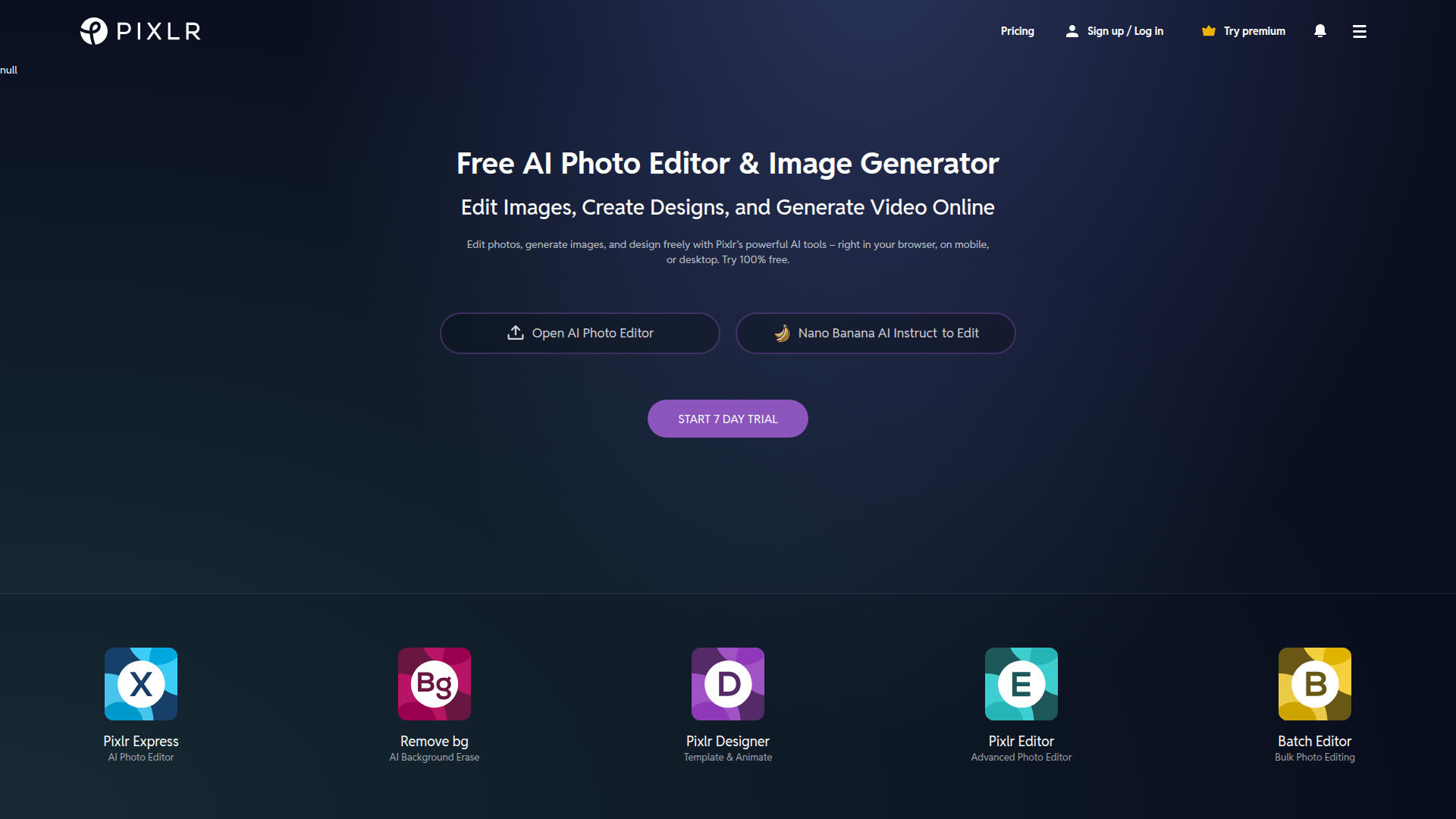
Pixlr

AI-powered online photo editor and design suite with image generation, background removal, and templates.

Free
PicWish

PicWish — Free online AI photo editor for quick, polished edits.

NexLev Niche Finder

AI-powered YouTube niche discovery to fuel fast, data-driven content ideas.

LOVO AI Voice Generator

Turn text into natural-sounding speech with 500+ voices, live cloning, and video-ready outputs.

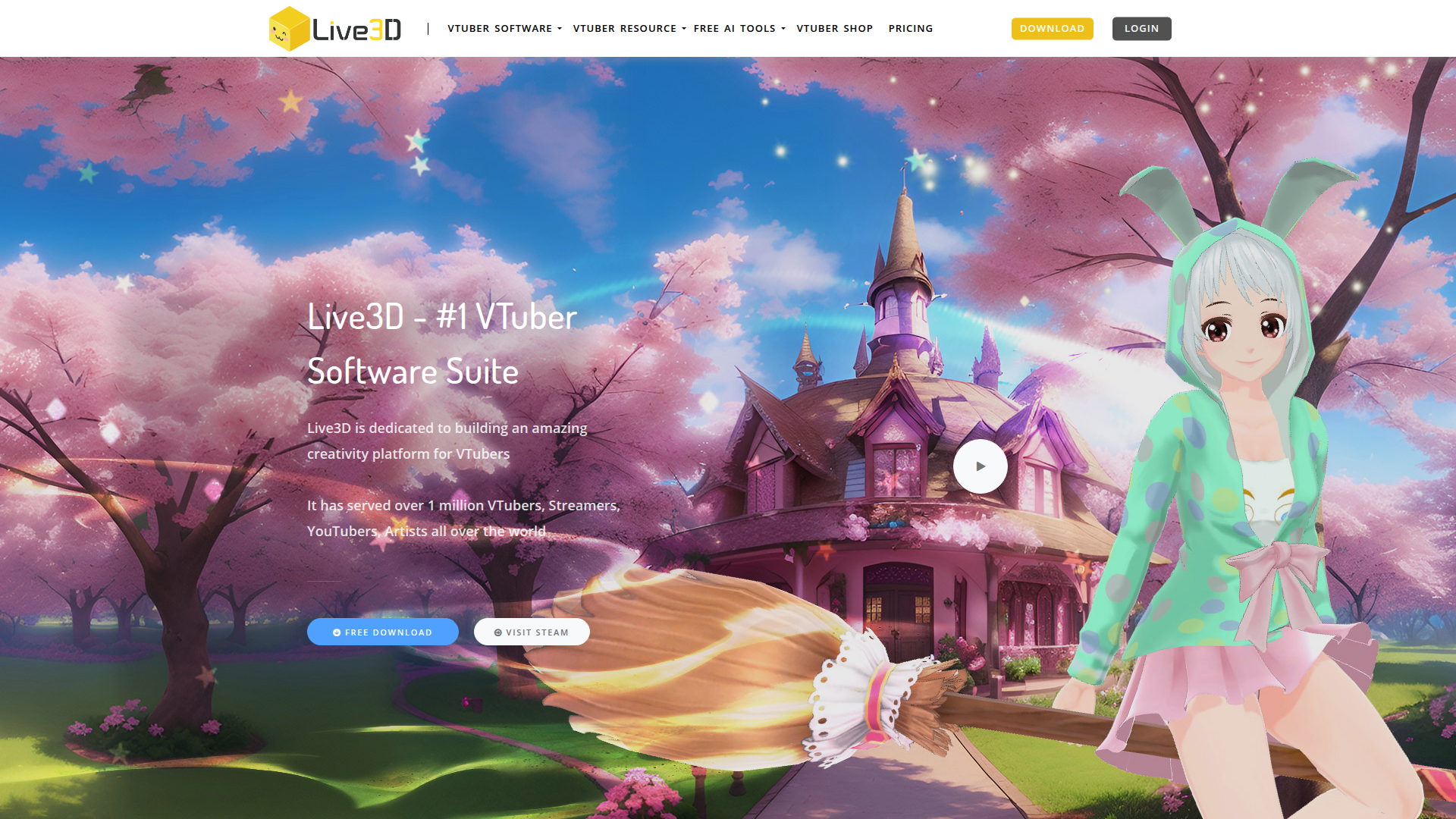
Live3D VTuber Software

Transform your virtual presence with Live3D.

Imglarger

AI-powered image upscaling and editing in a single web platform.