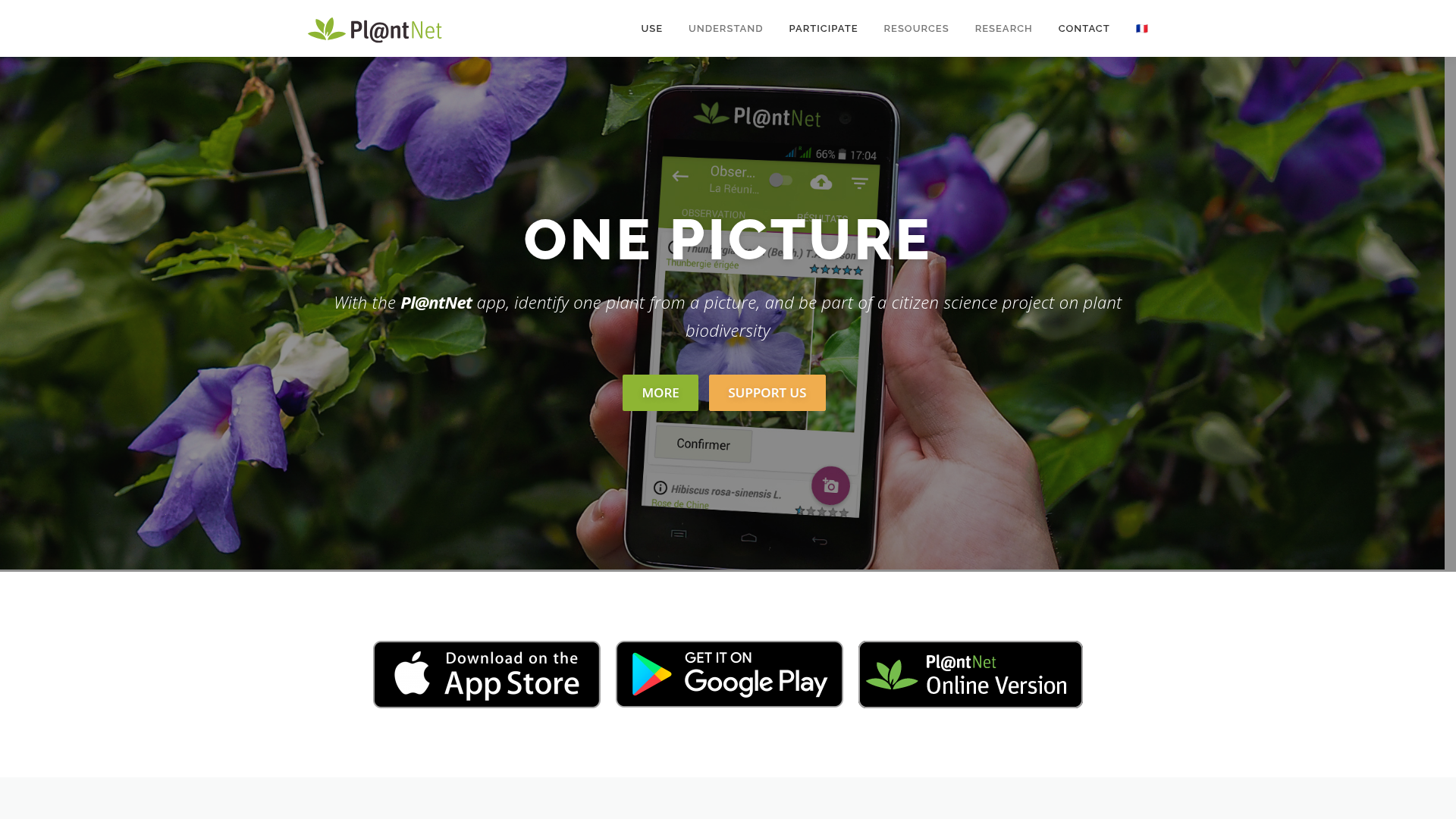
Identify plants easily with Pl@ntNet—photo-based ID on Web, iOS, and Android.

Listed:Dec 19, 2025
Platform:
Web
iOS
Android
Share:
Pl@ntNet

Pl@ntNet Introduction

Pl@ntNet makes plant identification easy by letting users identify plant species from photos, with both mobile apps and an online version for flexible access. The platform blends a large, collaborative community with a comprehensive plant database to promote biodiversity knowledge and citizen science.

Key benefits include:

  • Photo-based identification of plants from photos captured with your device, helping you learn and verify species quickly.
  • Access to detailed information about plant species, including descriptions, habitats, and distribution.
  • A thriving community where users can contribute identifications and receive help from others.
  • A vast database covering thousands of species, expanding with new submissions over time.
  • Cross-platform availability across Web, iOS, and Android for on-the-go use.

Perfect for botanists, students, gardeners, educators, and nature enthusiasts who want to identify plants quickly while contributing to biodiversity knowledge.


Summary

Pl@ntNet is a plant identification app that helps users identify plant species from photos and learn about biodiversity.

Key Features

  • Photo identification of plants
  • Detailed plant information
  • Access to a community of plant enthusiasts
  • Identification help from other users
  • Database of thousands of species

Benefits

  • Easy plant identification on the go
  • Access to a large database of species
  • Community support for difficult identifications
  • Educational resources about plants
  • Contribute identifications to a growing database
  • Cross-platform access across Web, iOS, and Android

Use Cases

  • Educating students about botany
  • Identifying plants in gardens
  • Researching plant species in the wild
  • Helping gardeners with plant care
  • Field botany surveys and biodiversity monitoring
  • Herbarium studies and classroom demonstrations
  • Ecological restoration planning
  • Conservation outreach and citizen science
  • Nature walks and plant journaling
  • Garden clubs and community outreach

How to Use Pl@ntNet

  1. Step 1: Download the app from the App Store or Google Play.
  2. Step 2: Take a clear photo of a plant.
  3. Step 3: Submit the photo for identification.
  4. Step 4: Review the suggestions and learn about the plant.

Who Will Use Pl@ntNet

  • Botanists
  • Students
  • Plant enthusiasts
  • Gardeners
  • Educators
  • Researchers
  • Amateur naturalists
  • Conservationists

Alternative tools

Leonardo AI

Generate stunning visuals effortlessly with AI.

Getimg AI

Create stunning AI-generated images with collaboration, editing, and fast results.

Vanta

Automate compliance and trust management for modern teams.

Motion

The AI-powered SuperApp for Work – AI-driven project, task, calendar, and meeting management in one.

Roboflow

Computer vision tools for developers and enterprises

Revisely

AI-powered feedback and collaborative learning resources for educators and students.

ResumeBuilder.com

Create a professional resume in minutes.

Free
ReadTheory

ReadTheory — free adaptive reading comprehension practice for students and teachers.

PromptHero

Search and generate AI image & video prompts with ease—discover, customize, and export stunning AI content.

Phrasly

Write naturally, without fear of detection.