Plagiarism Checker logo

Plagiarism Checker

100% accurate plagiarism detector online with AI-powered analysis for education, business, and content creation.

Listed:Dec 19, 2025
Platform:
Web
Share:
Plagiarism Checker

Plagiarism Checker Introduction

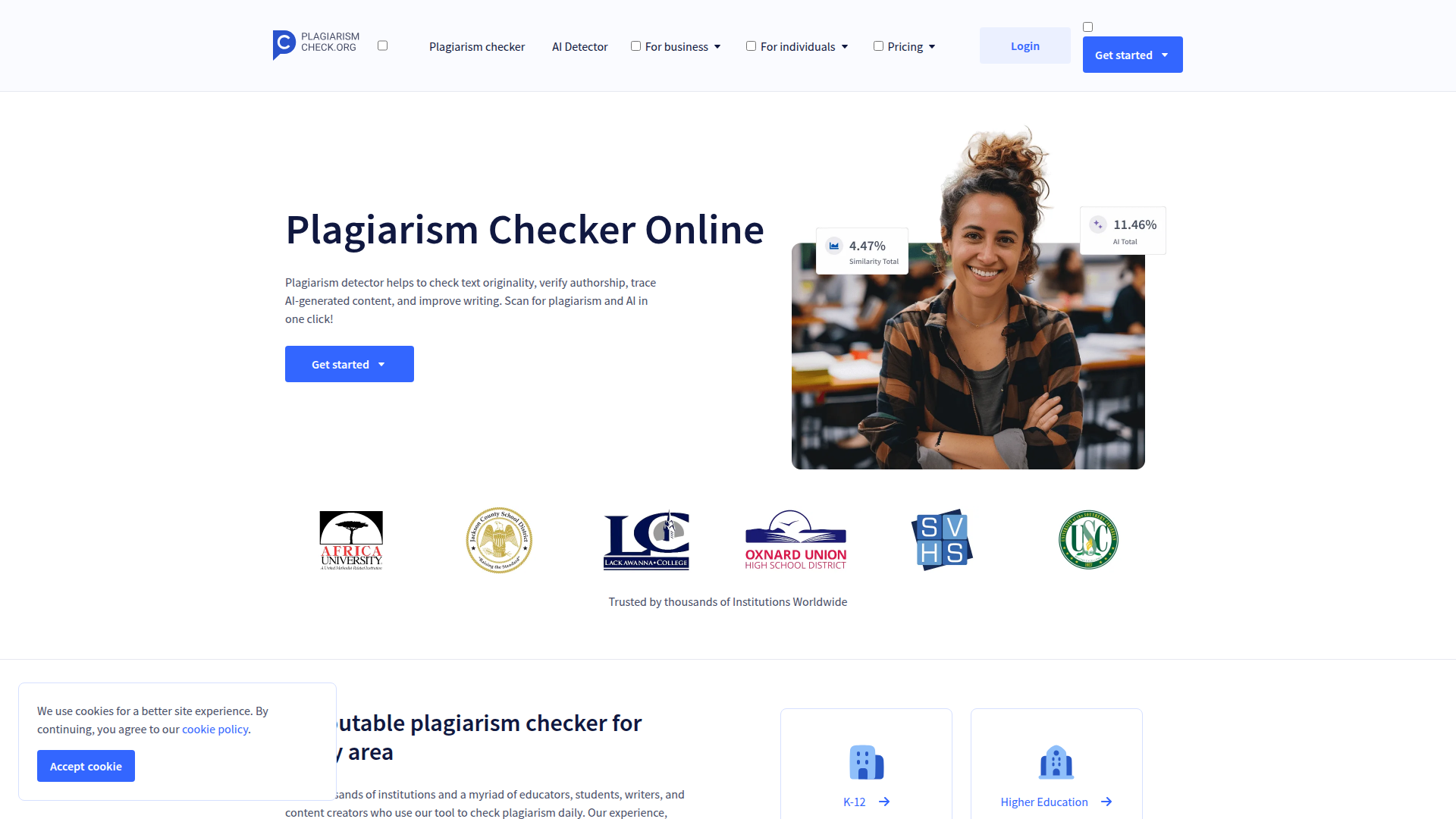
Plagiarism Checker is an online tool that detects plagiarism across documents and formats with AI-assisted analysis, delivering clear originality insights. It integrates with major Learning Management Systems and provides detailed, percentage-based reports to support academic integrity and content validation.

Key benefits include:

  • Comprehensive plagiarism detection
  • AI-based analysis
  • Integration with major Learning Management Systems
  • Multiple file format support
  • Detailed reports with percentages
  • User-friendly interface

Perfect for Students, Educators, Content creators, Researchers, Publishers, and Academic institutions seeking reliable originality checks.


Summary

AI-powered plagiarism detector delivering accurate originality checks, detailed reports, and LMS integrations for students, educators, and creators.

Key Features

  • Comprehensive plagiarism detection
  • AI-based analysis
  • Integration with major Learning Management Systems
  • Multiple file format support
  • Detailed reports with percentages
  • User-friendly interface

Benefits

  • Ensures originality of content
  • Saves time with automated checks
  • Improves academic integrity
  • Facilitates learning about proper citation
  • Supports LMS integrations for seamless workflow
  • Generates clear, percentage-based reports for quick assessment

Use Cases

  • Academic institutions evaluating student submissions
  • Businesses vetting content for originality
  • Freelancers ensuring quality writing
  • Publishers checking submissions
  • Researchers validating manuscripts
  • Educational platforms screening user-generated content
  • Content agencies auditing articles
  • Journal submissions screening
  • Students checking essays before submission
  • Editors verifying citations and originality

How to Use Plagiarism Checker

  1. Step 1: Visit the Plagiarism Checker site
  2. Step 2: Sign up or log in to your account
  3. Step 3: Upload your document in a supported format
  4. Step 4: Run a plagiarism check and AI-detection scan
  5. Step 5: Review the detailed report and originality percentage
  6. Step 6: Export or share the report as needed

Who Will Use Plagiarism Checker

  • Students
  • Educators
  • Content writers
  • Researchers
  • Publishers
  • Academic institutions
  • Quality assurance teams
  • Freelancers

Alternative tools

Toolsaday AI

Toolsaday AI: Automate tasks with AI to boost productivity and streamline your workflows.

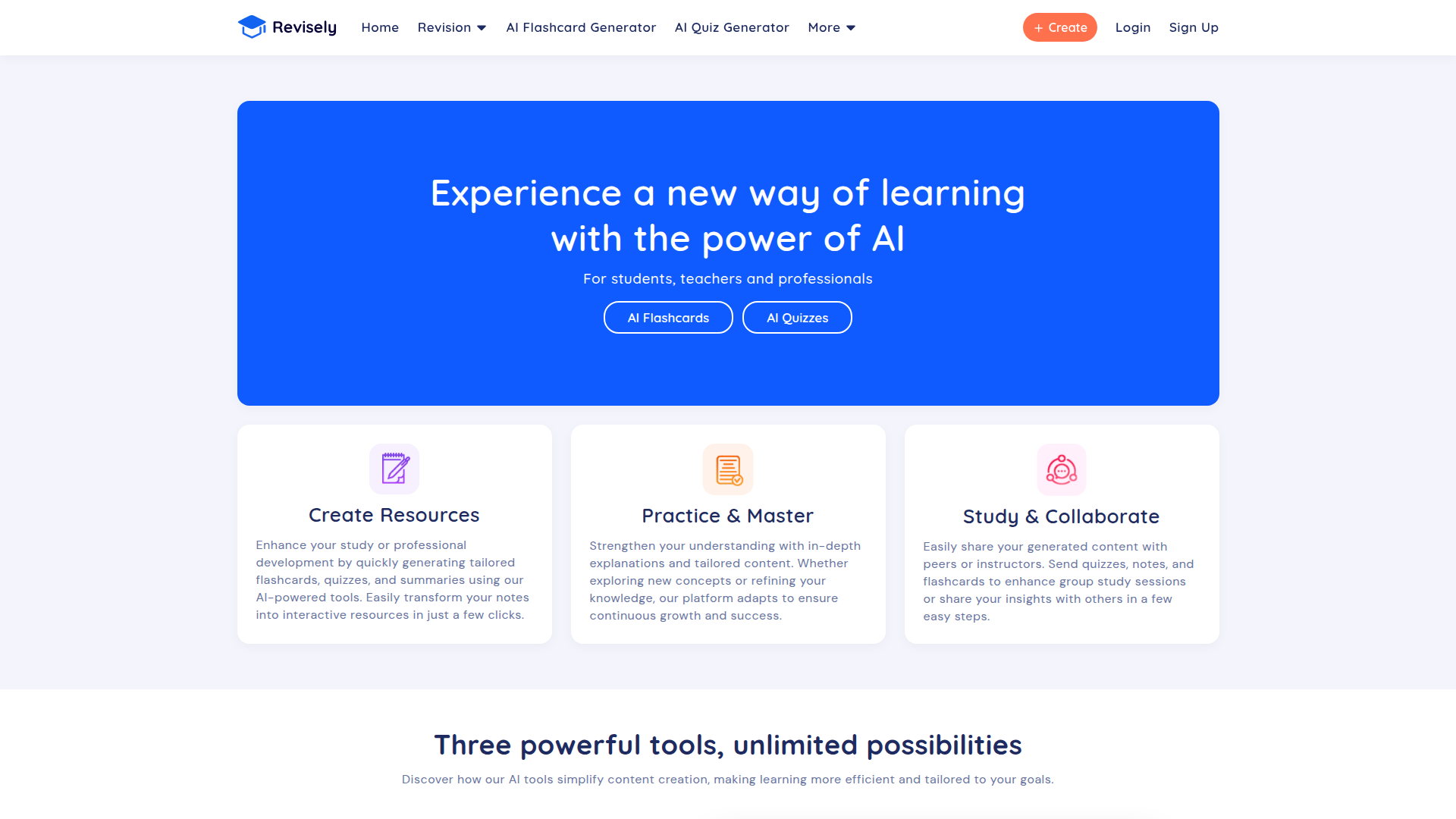
Revisely

AI-powered feedback and collaborative learning resources for educators and students.

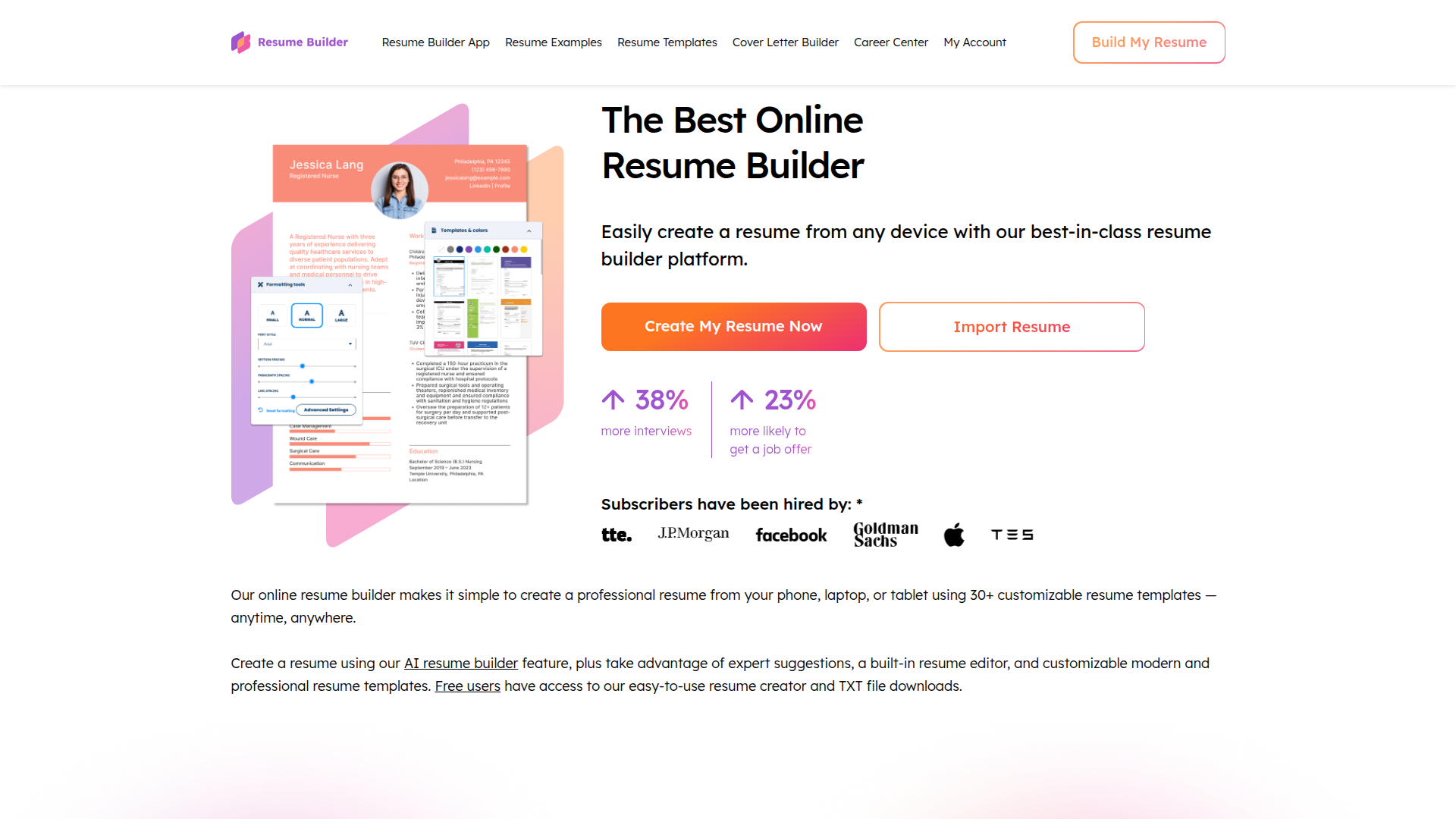
ResumeBuilder.com

Create a professional resume in minutes.

Free
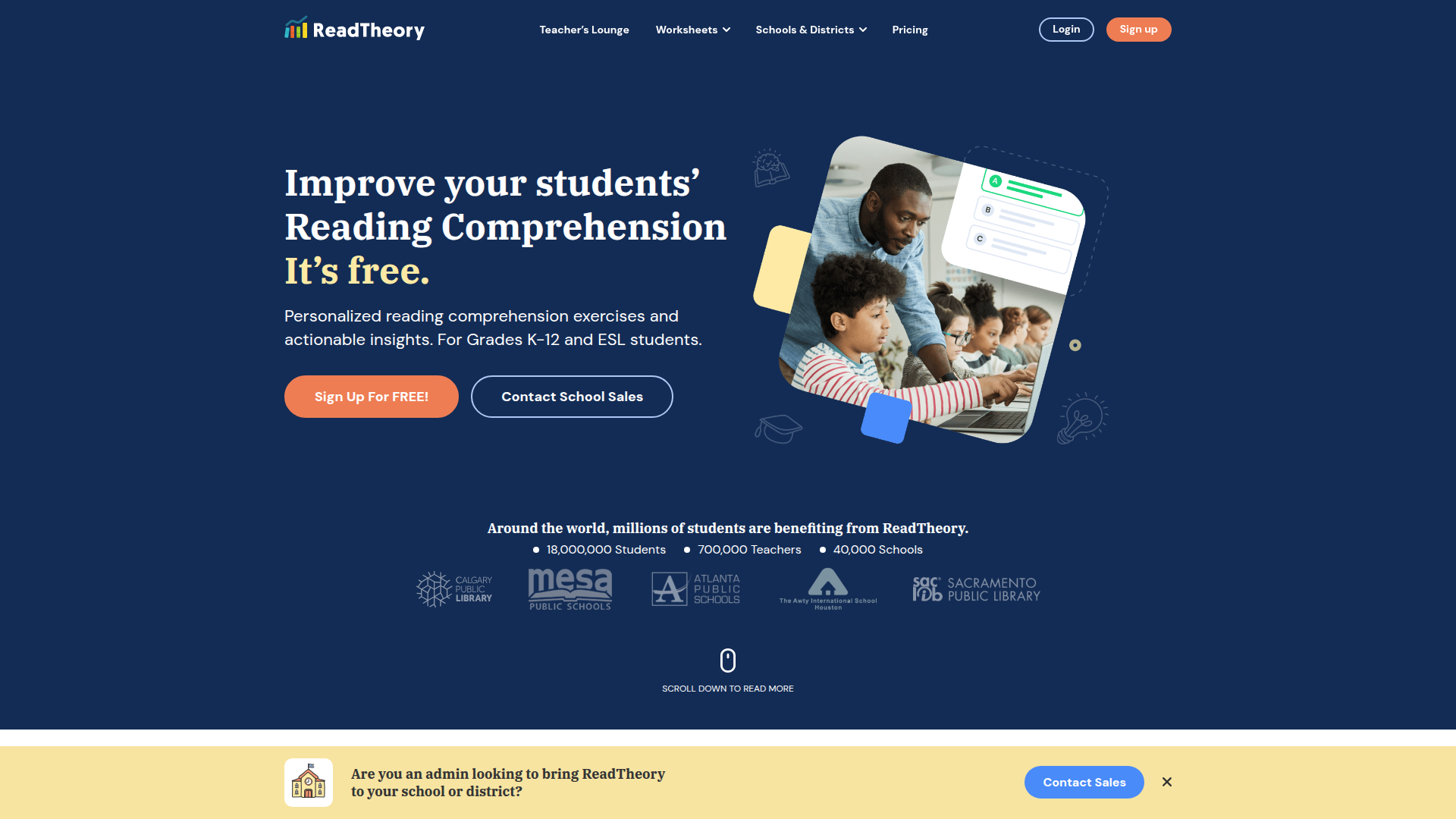
ReadTheory

ReadTheory — free adaptive reading comprehension practice for students and teachers.

QuillBot

AI-powered writing assistant for paraphrasing, grammar, and summarization—across web and browser extensions.

Free
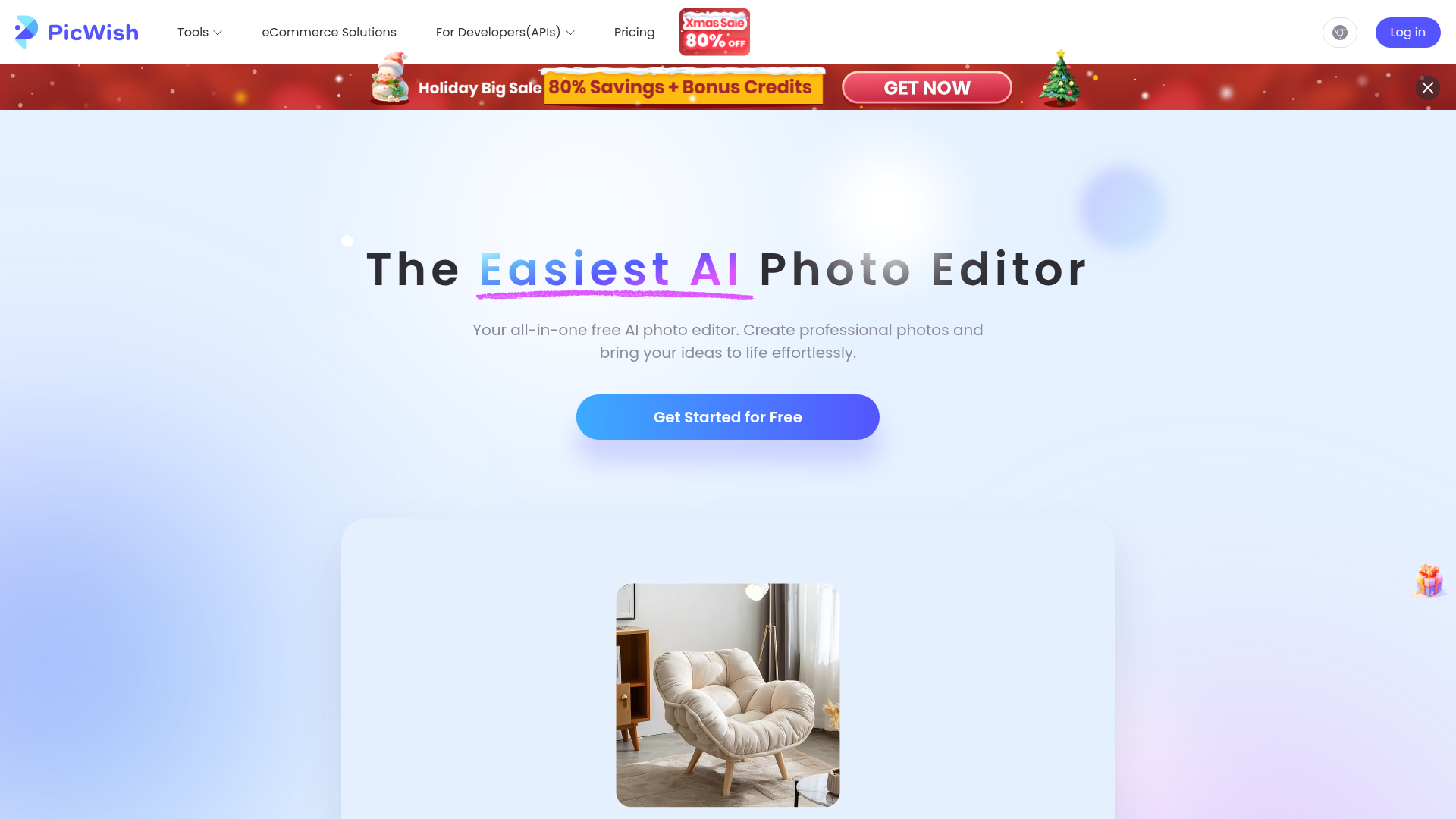
PicWish

PicWish — Free online AI photo editor for quick, polished edits.

Phrasly

Write naturally, without fear of detection.

PhotoGrid

PhotoGrid — Create stunning collages and edit photos with AI power.

Skillsoft Percipio

AI-native skills intelligence platform for workforce development and immersive learning.

Mindgrasp

Mindgrasp: AI-powered learning assistant turning lectures into bite-sized study tools.